Retouch unlimited photos for free – pricing coming soon. Deliver frame-worthy galleries without holding back.
AI Retouching, Trusted by the Pros
See why top photographers rely on Aftershoot to streamline their workflow and achieve stunning results.



Instant natural-looking edits, no over-processing, no extra apps or pay-per-image fee.
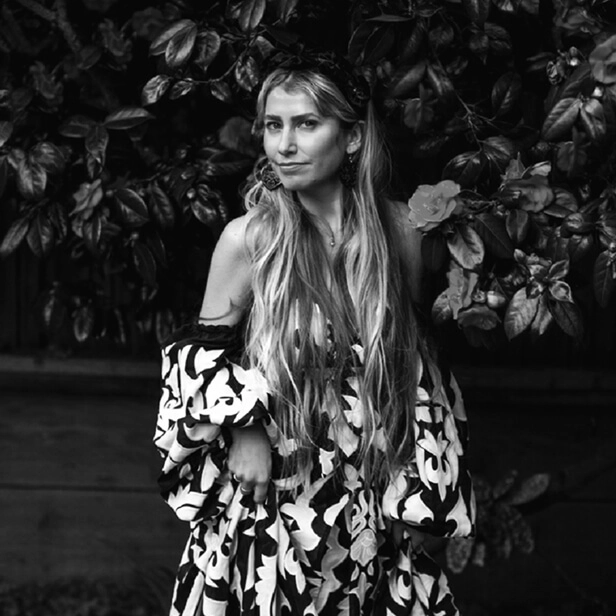
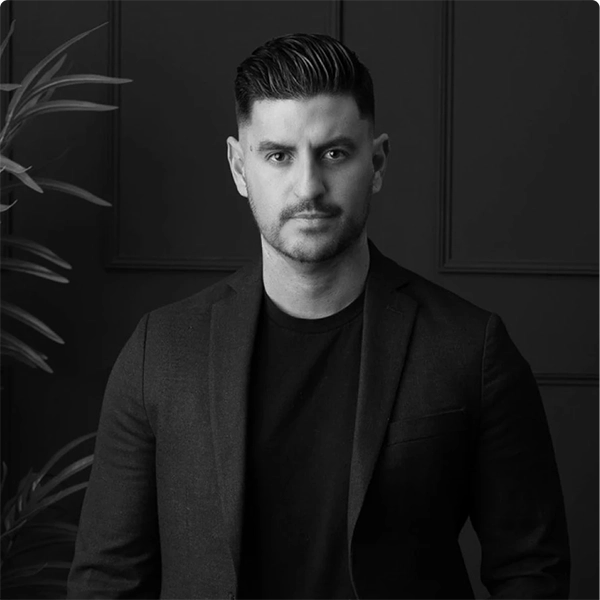
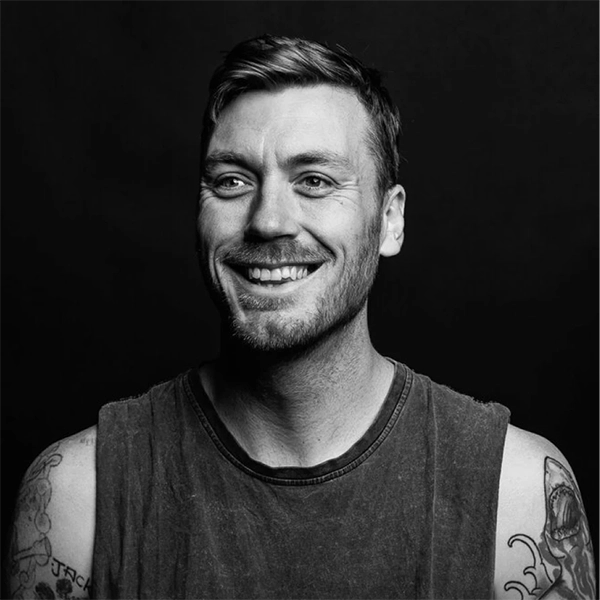
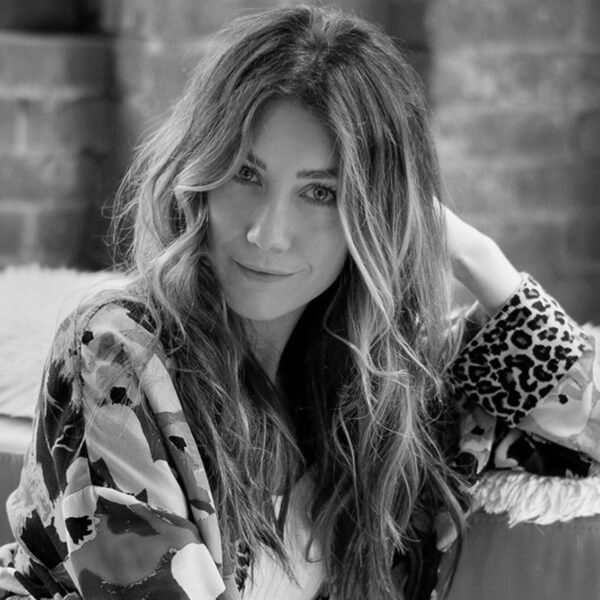
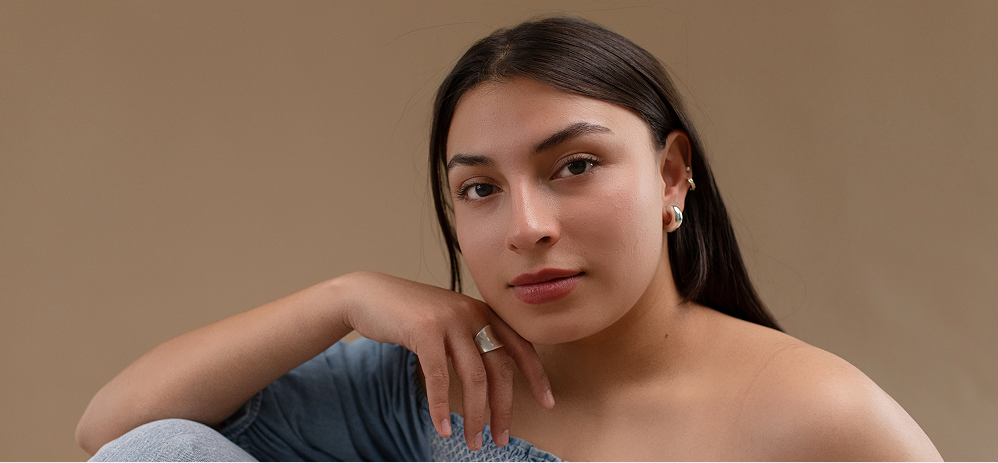
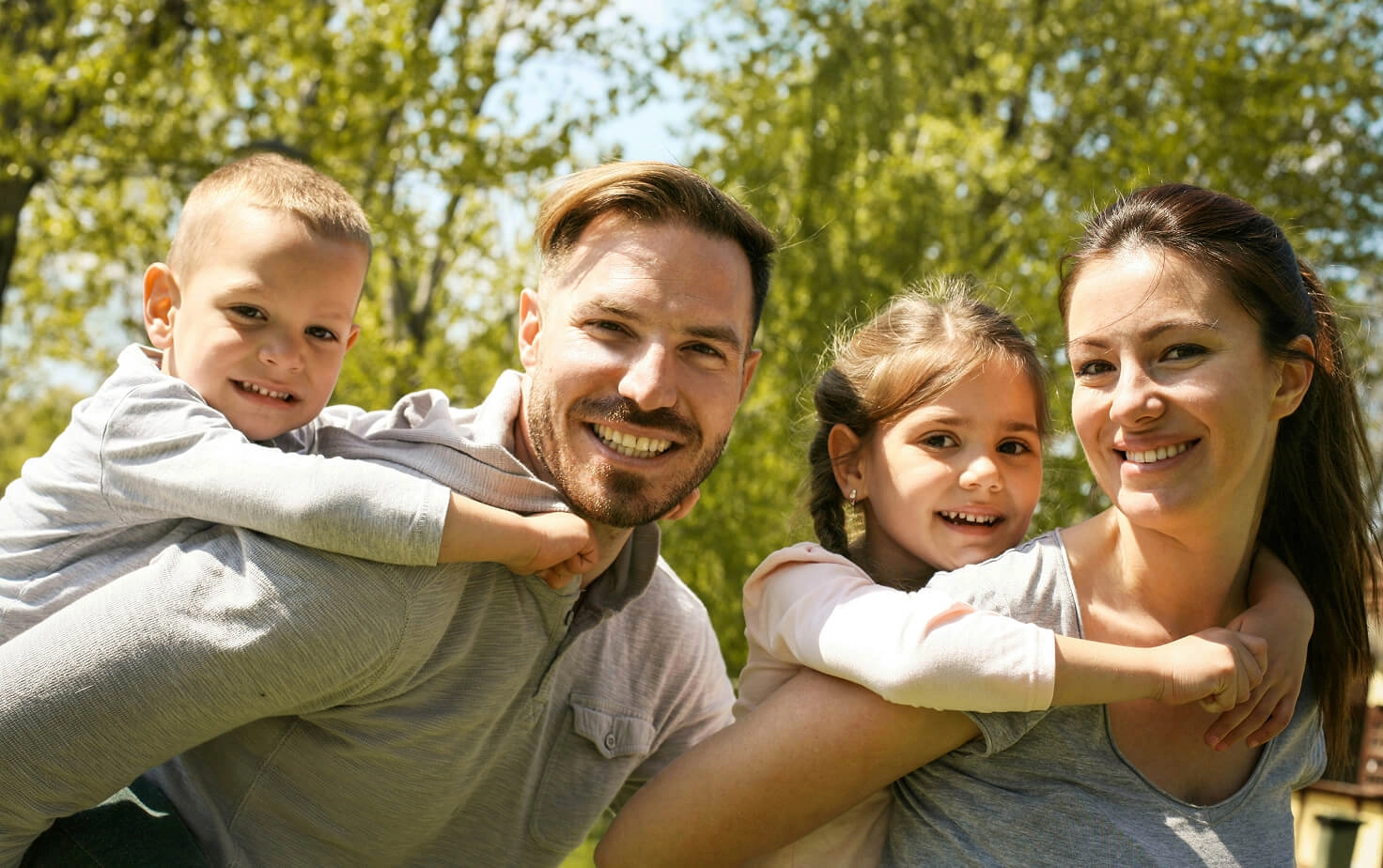
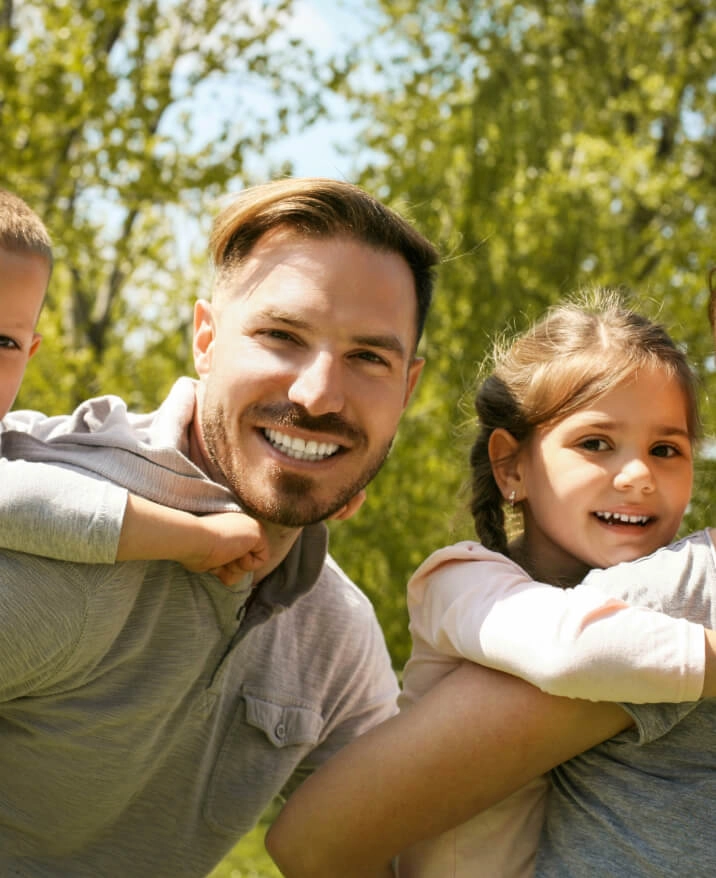
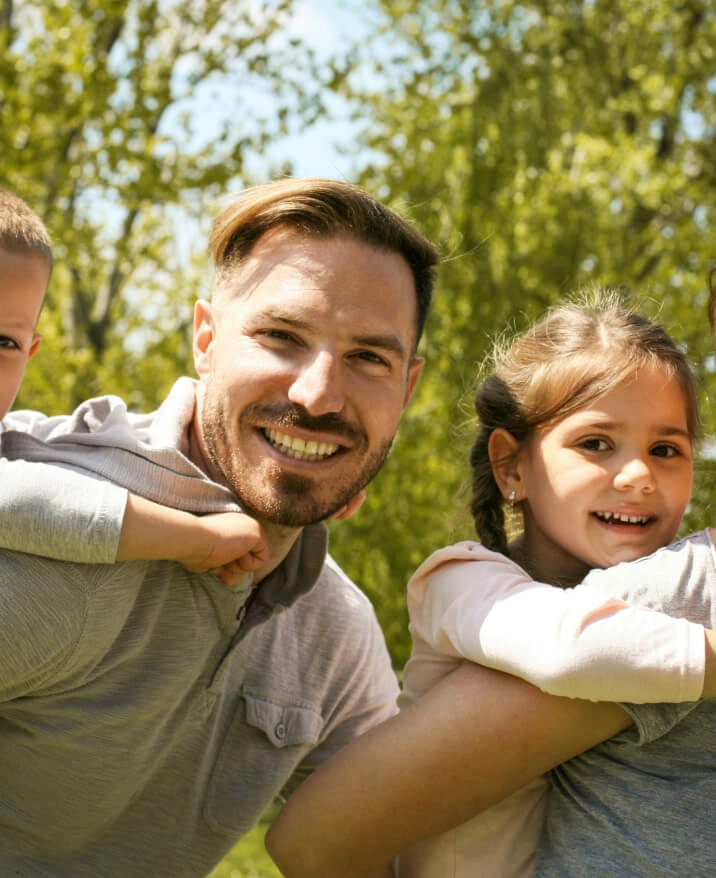
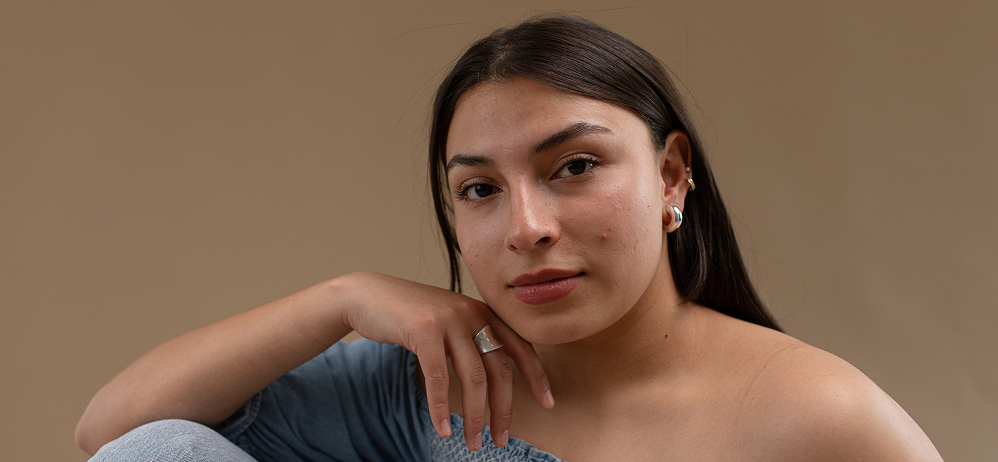 BEFOREAFTER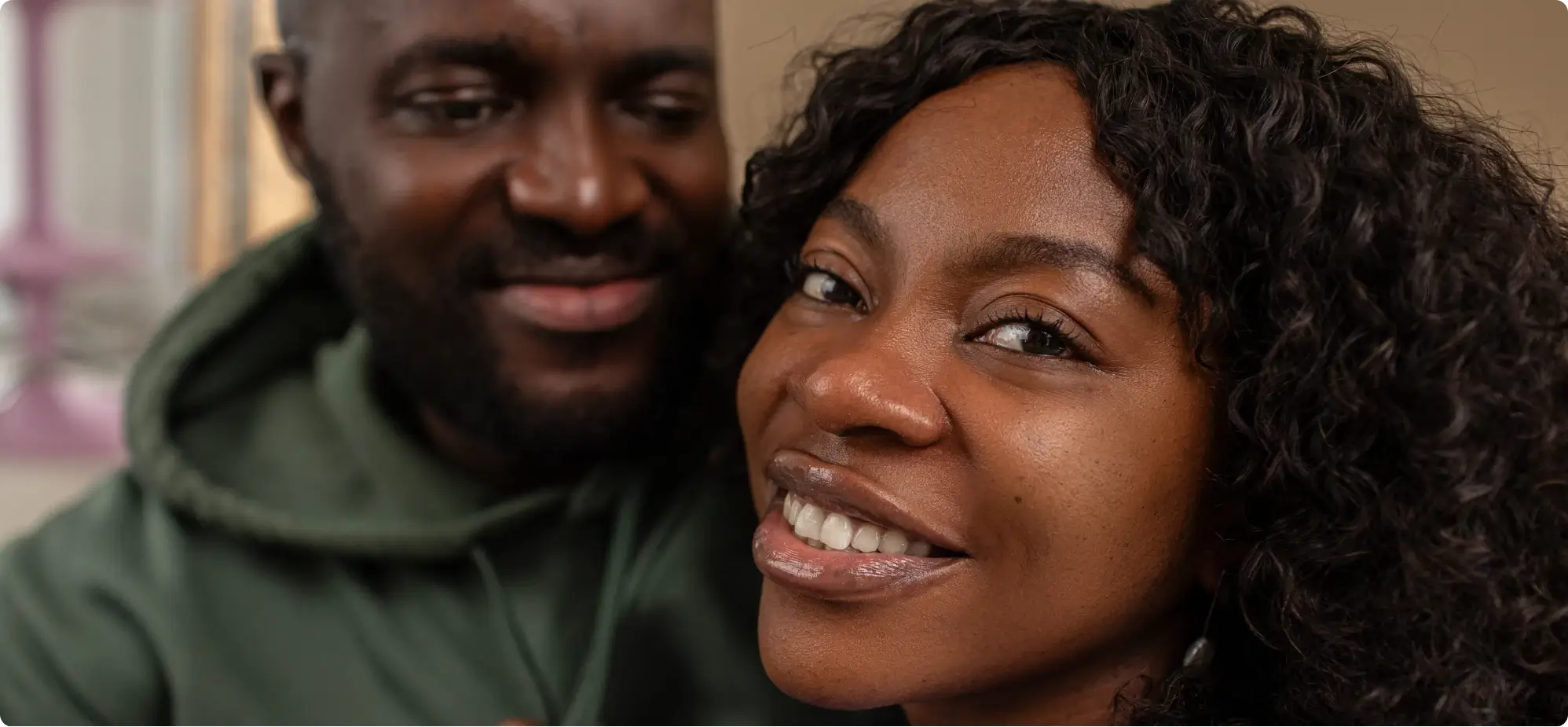
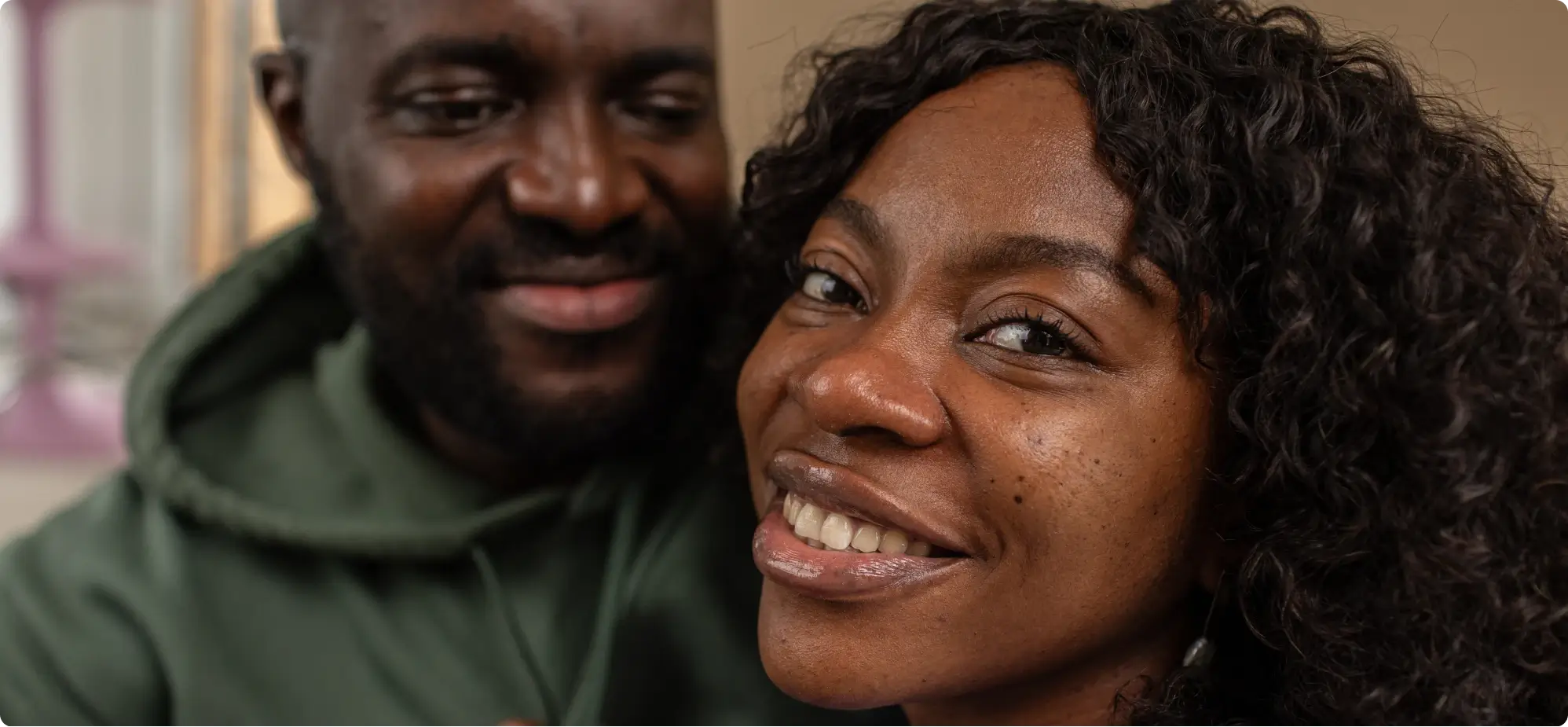 BEFOREAFTER
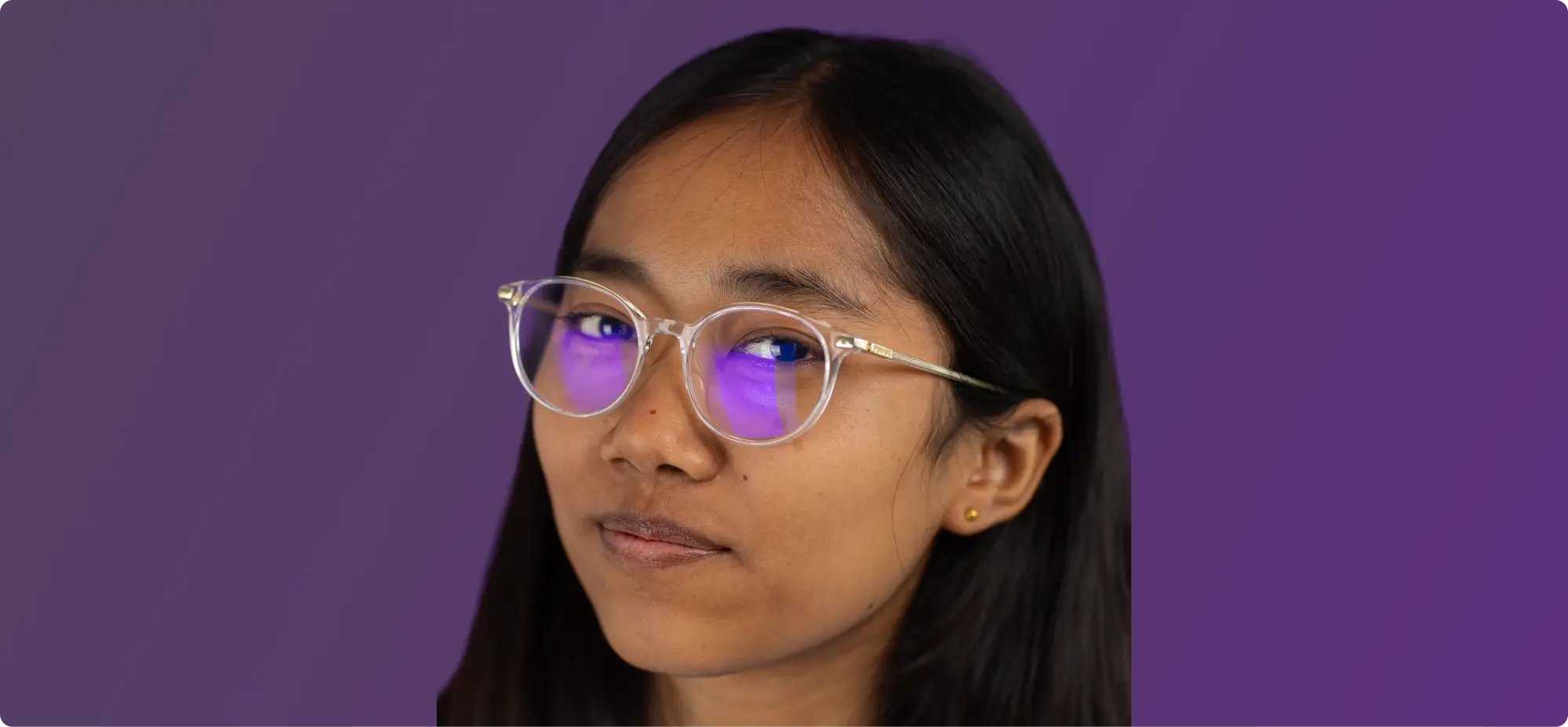 BEFOREAFTER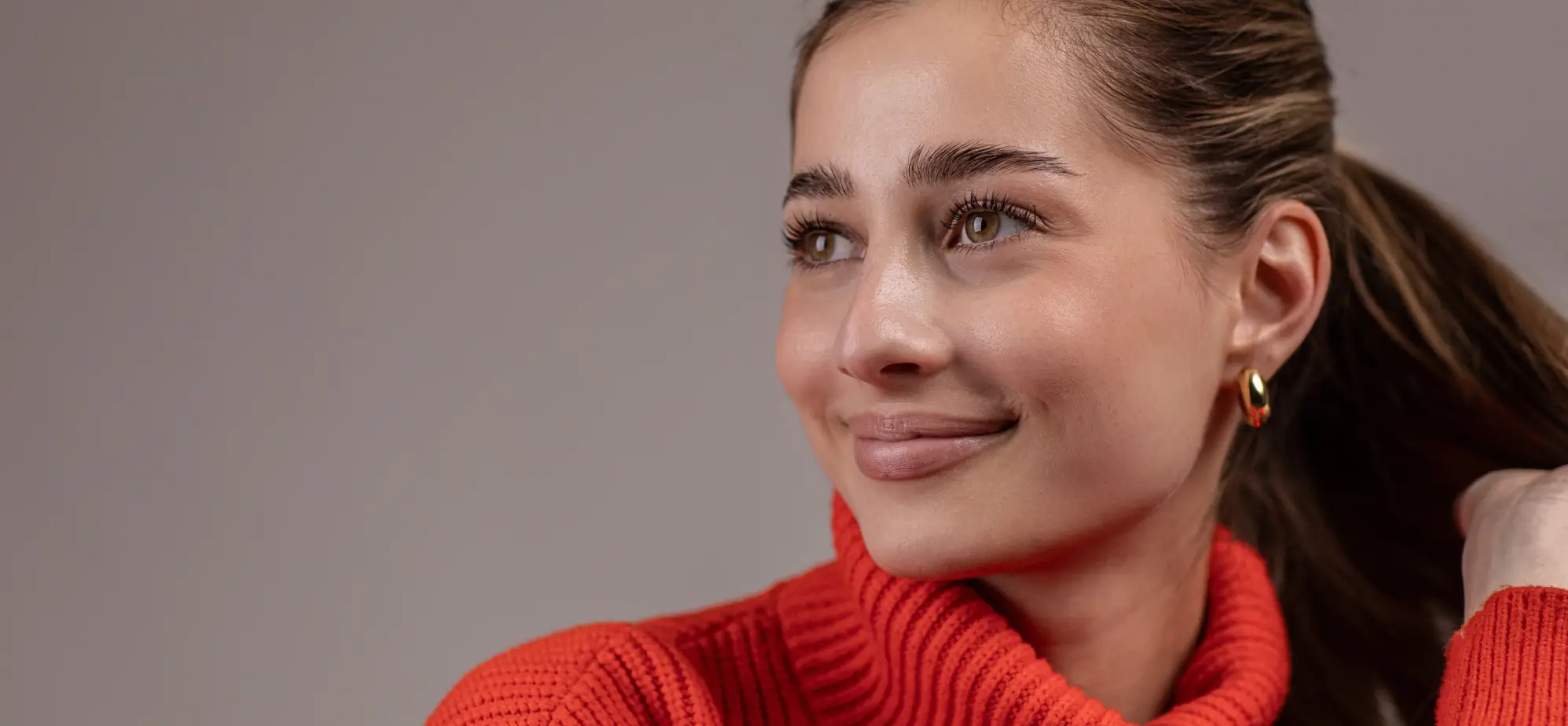
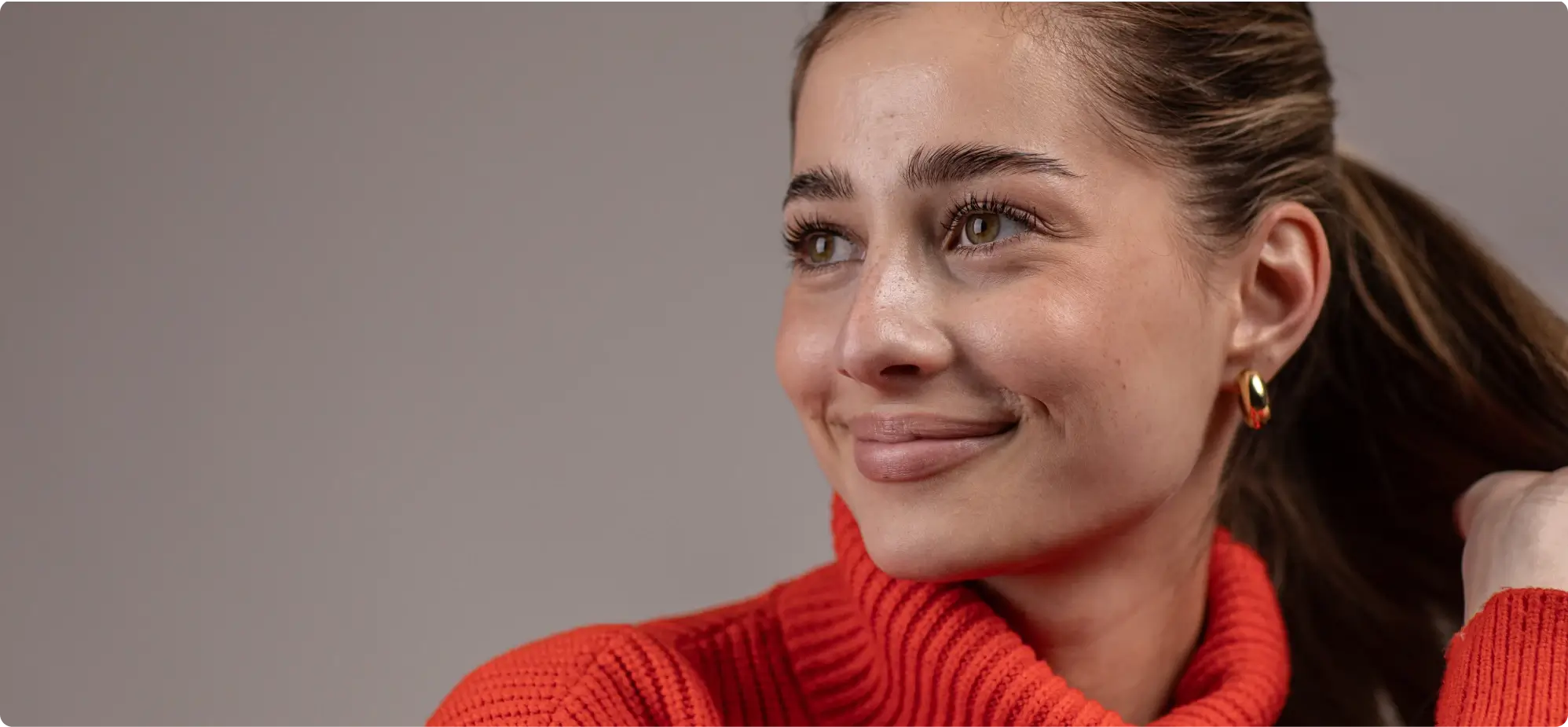 BEFOREAFTER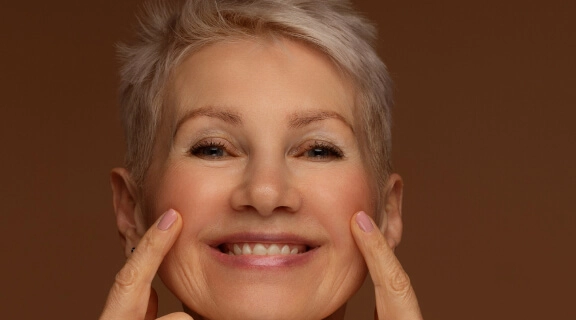
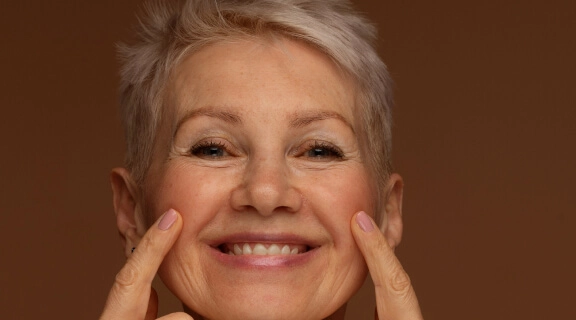 BEFOREAFTER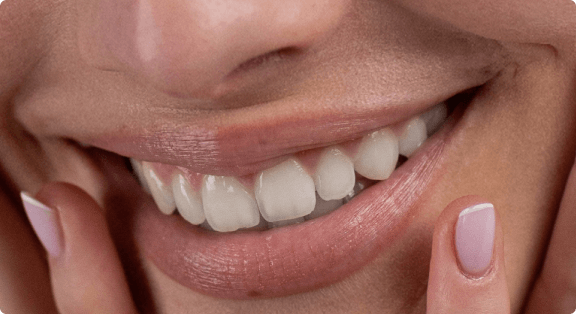
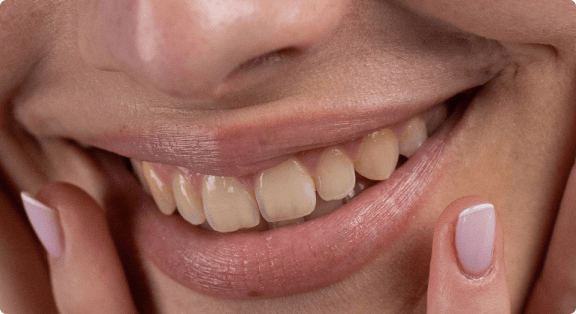 BEFOREAFTER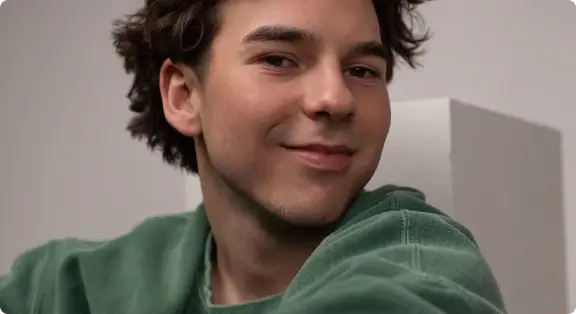
 BEFOREAFTER
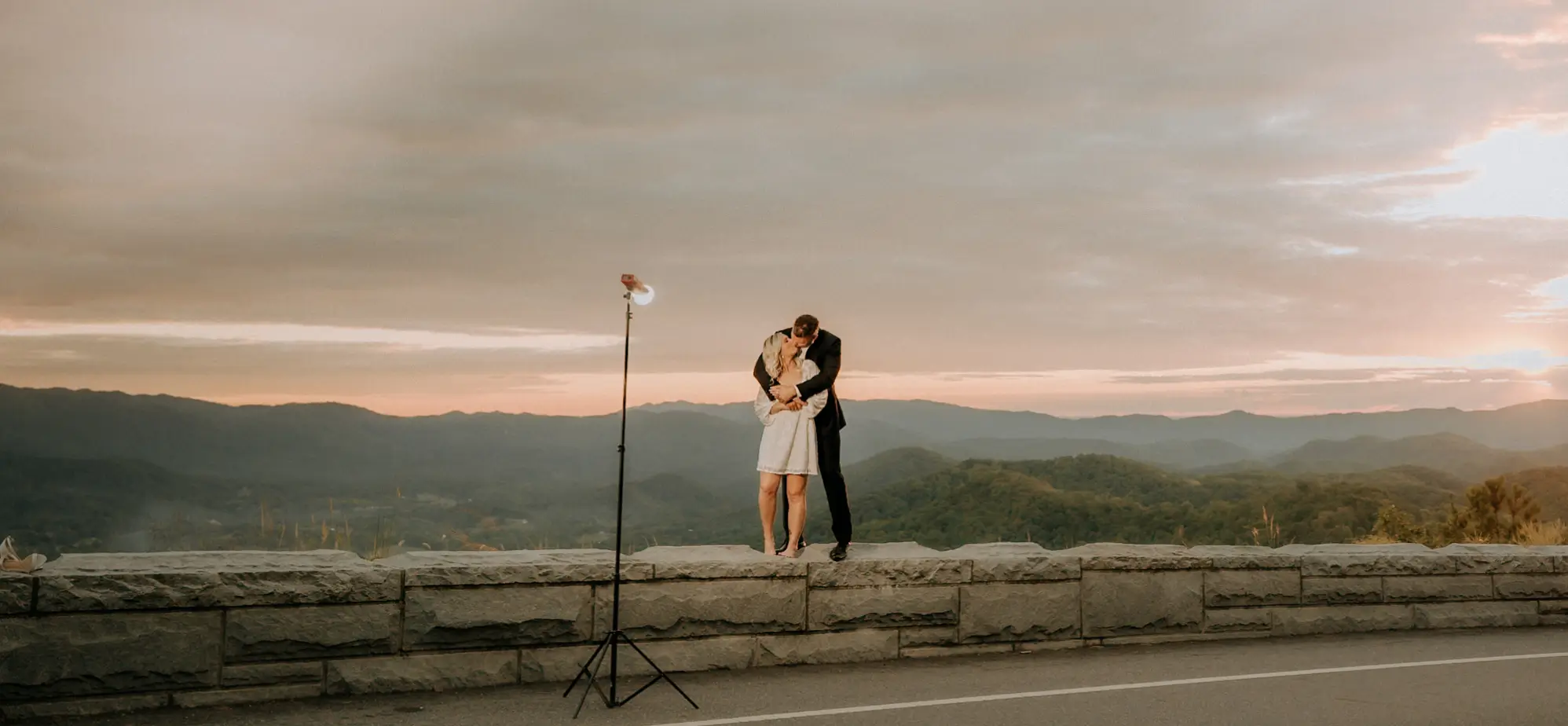 BEFOREAFTER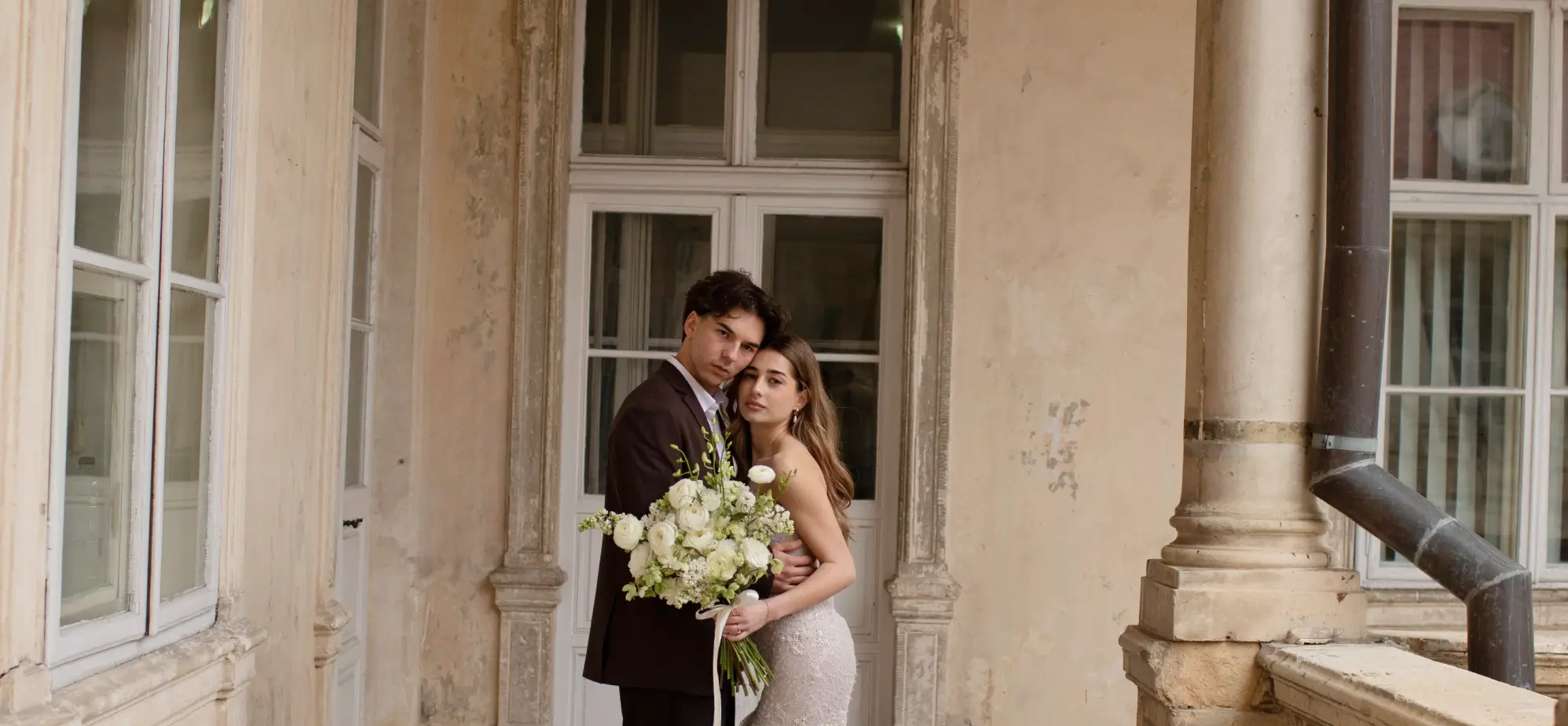
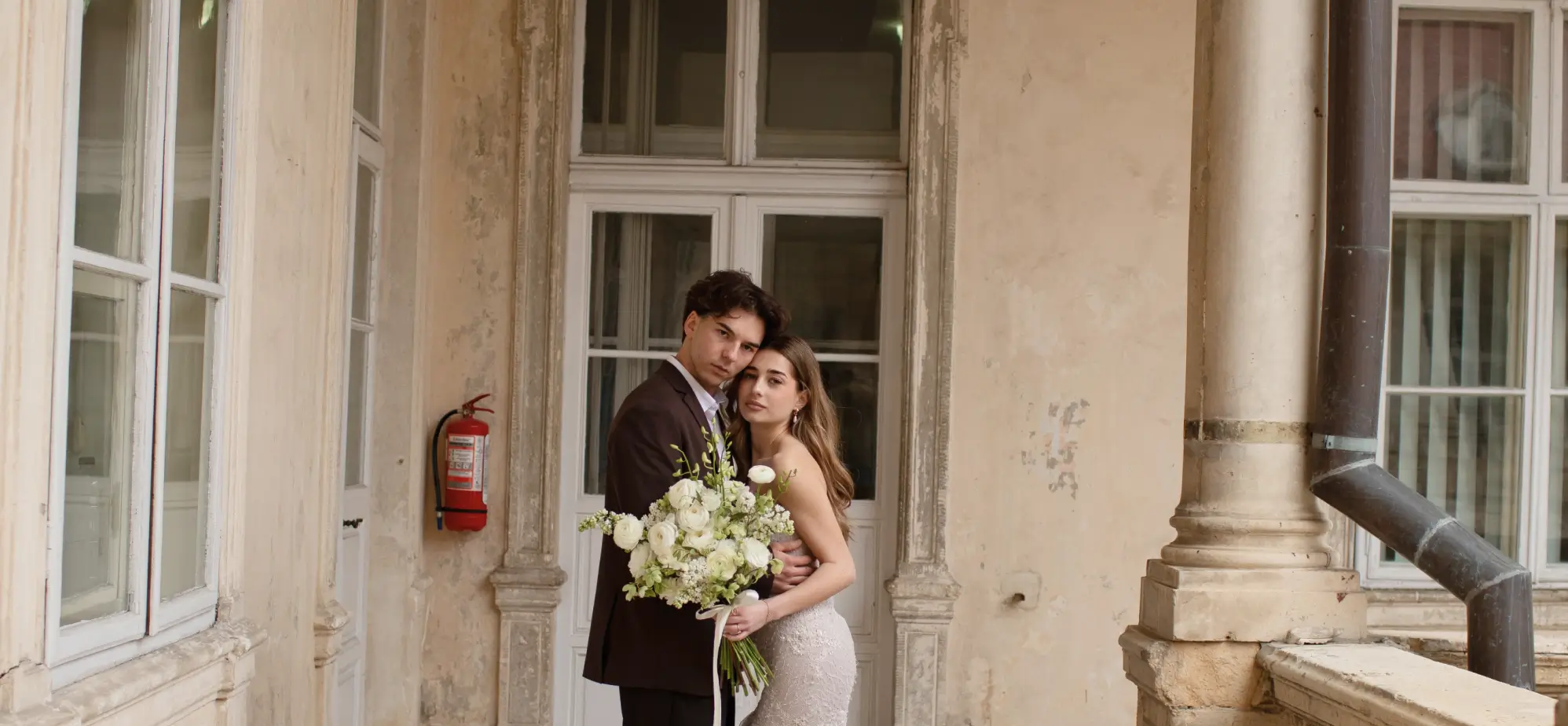 BEFOREAFTER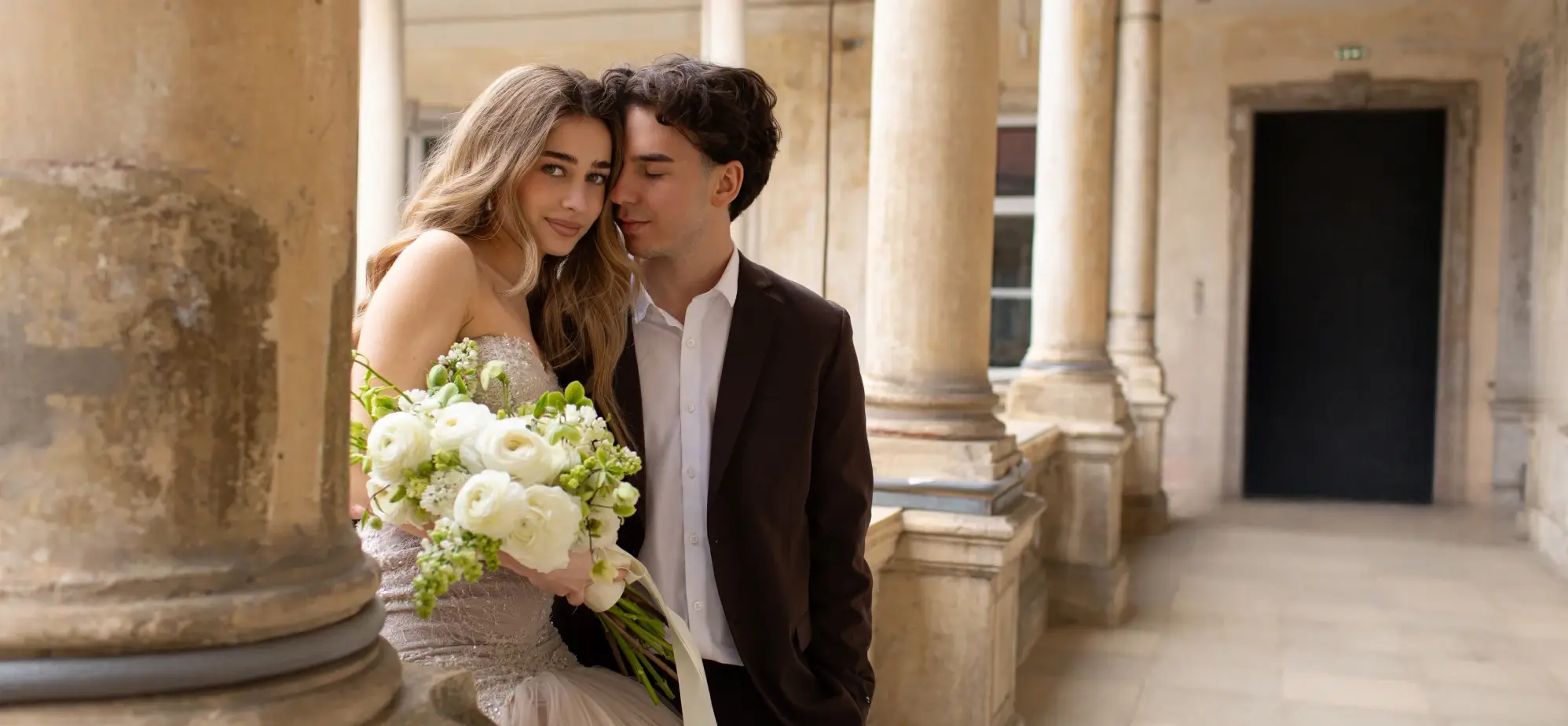
 BEFOREAFTER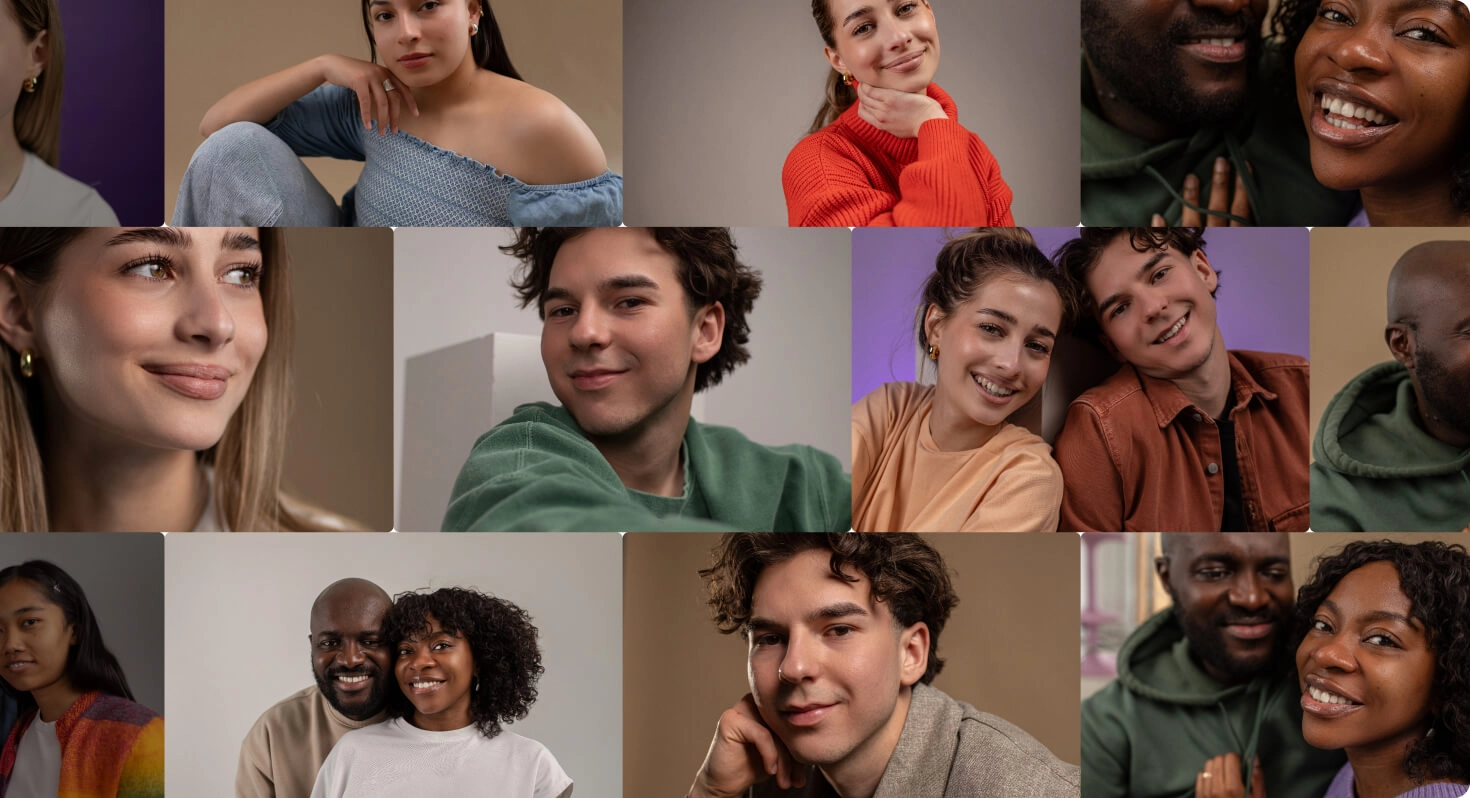
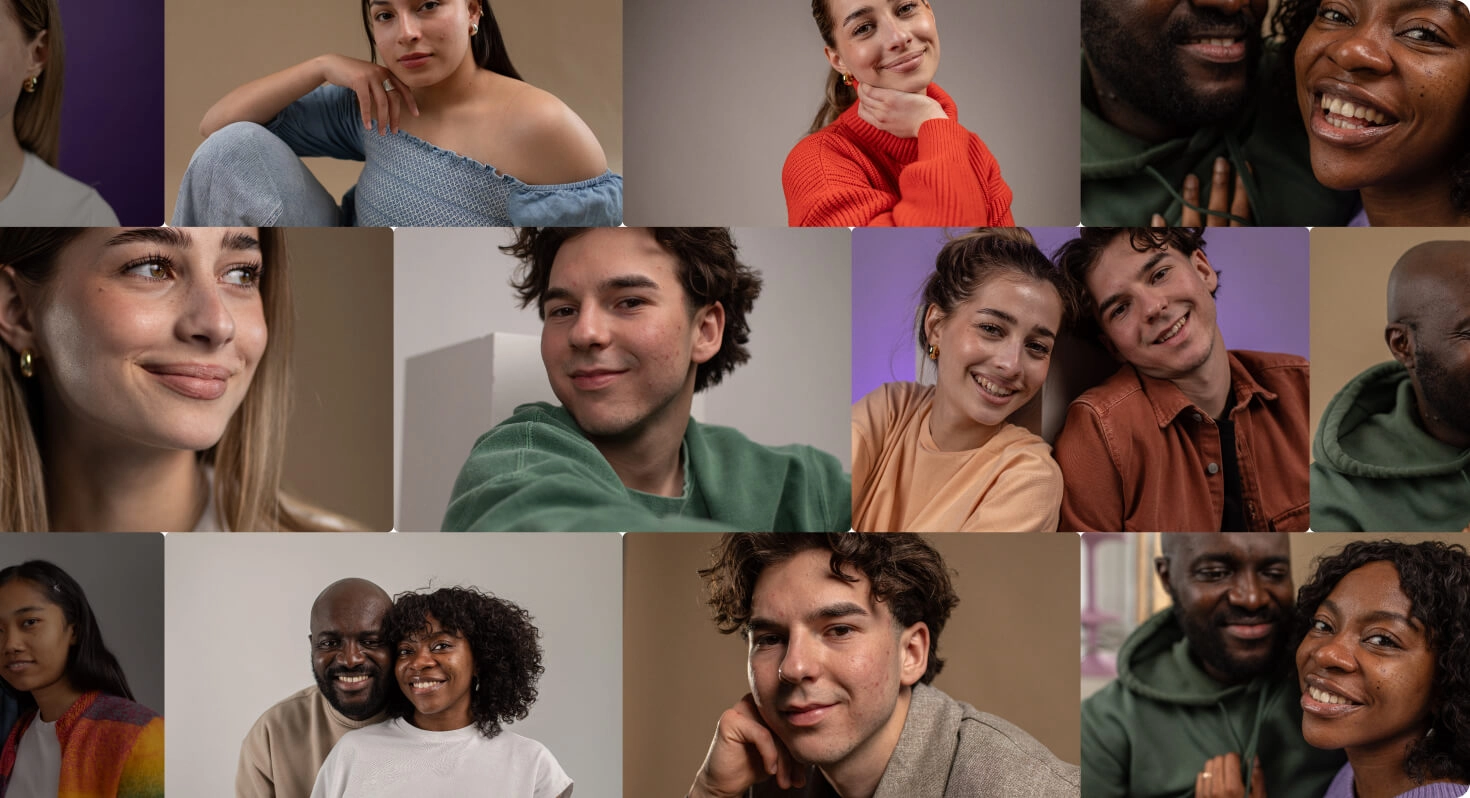 BEFOREAFTER
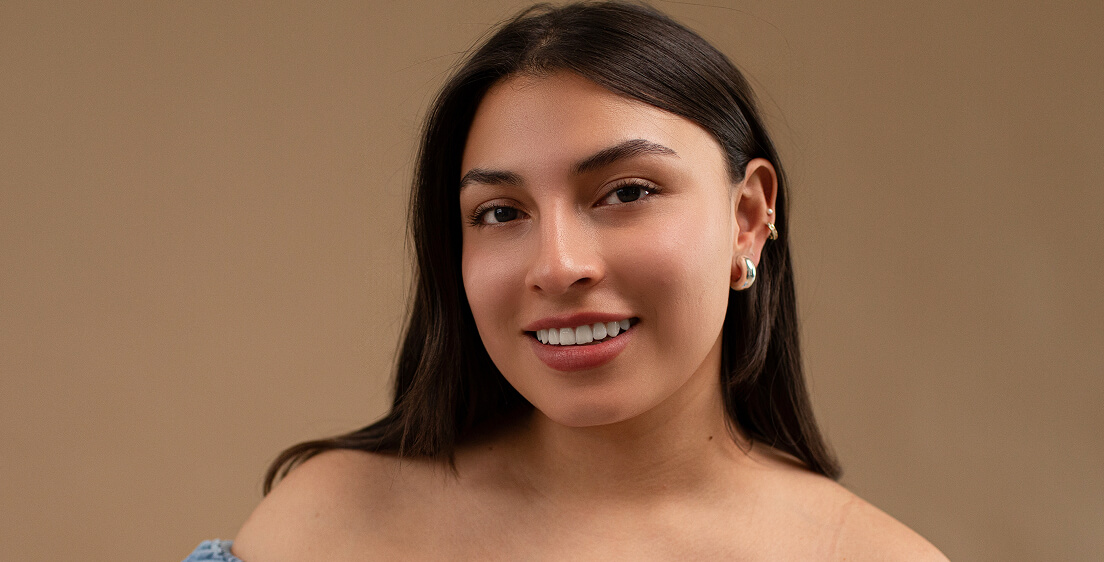
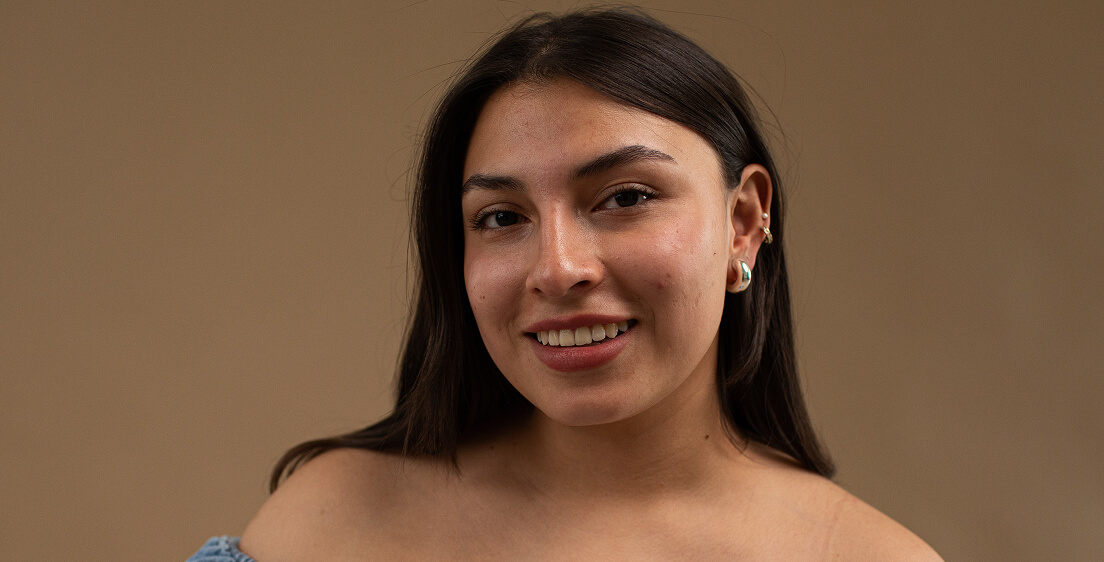 BEFOREAFTER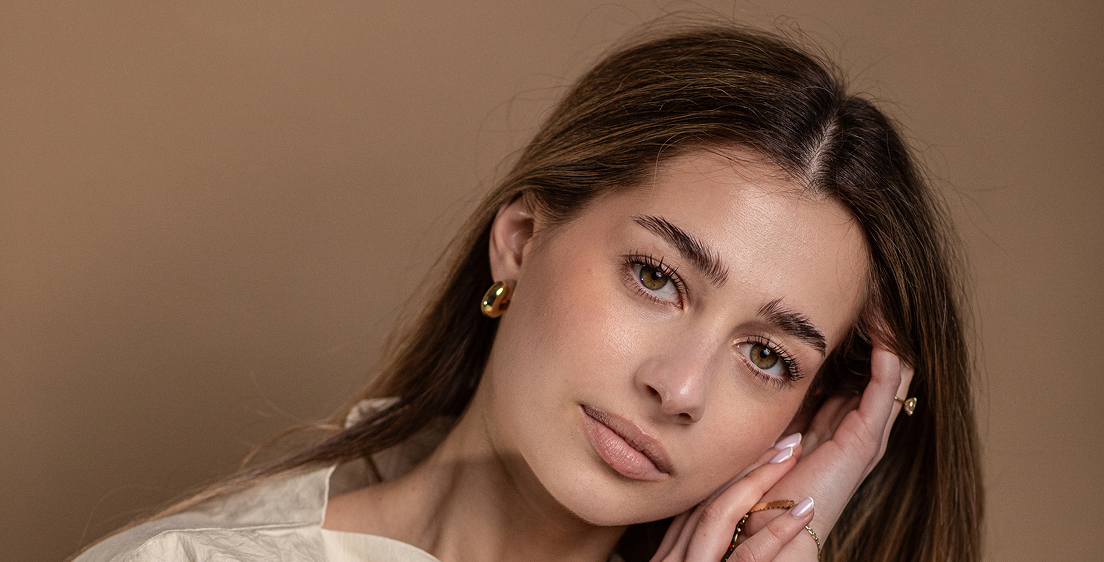
 BEFOREAFTER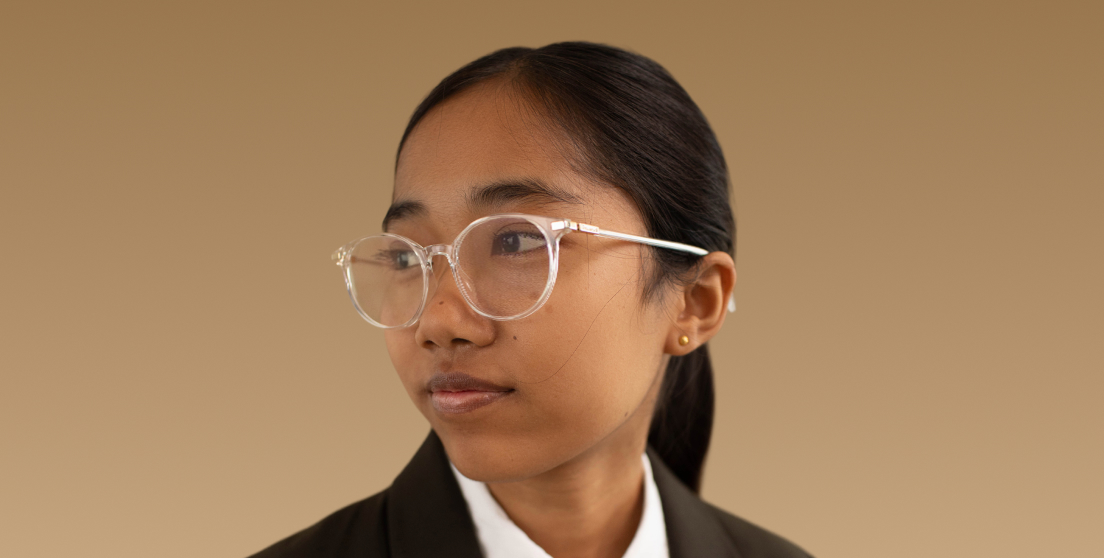
 BEFOREAFTER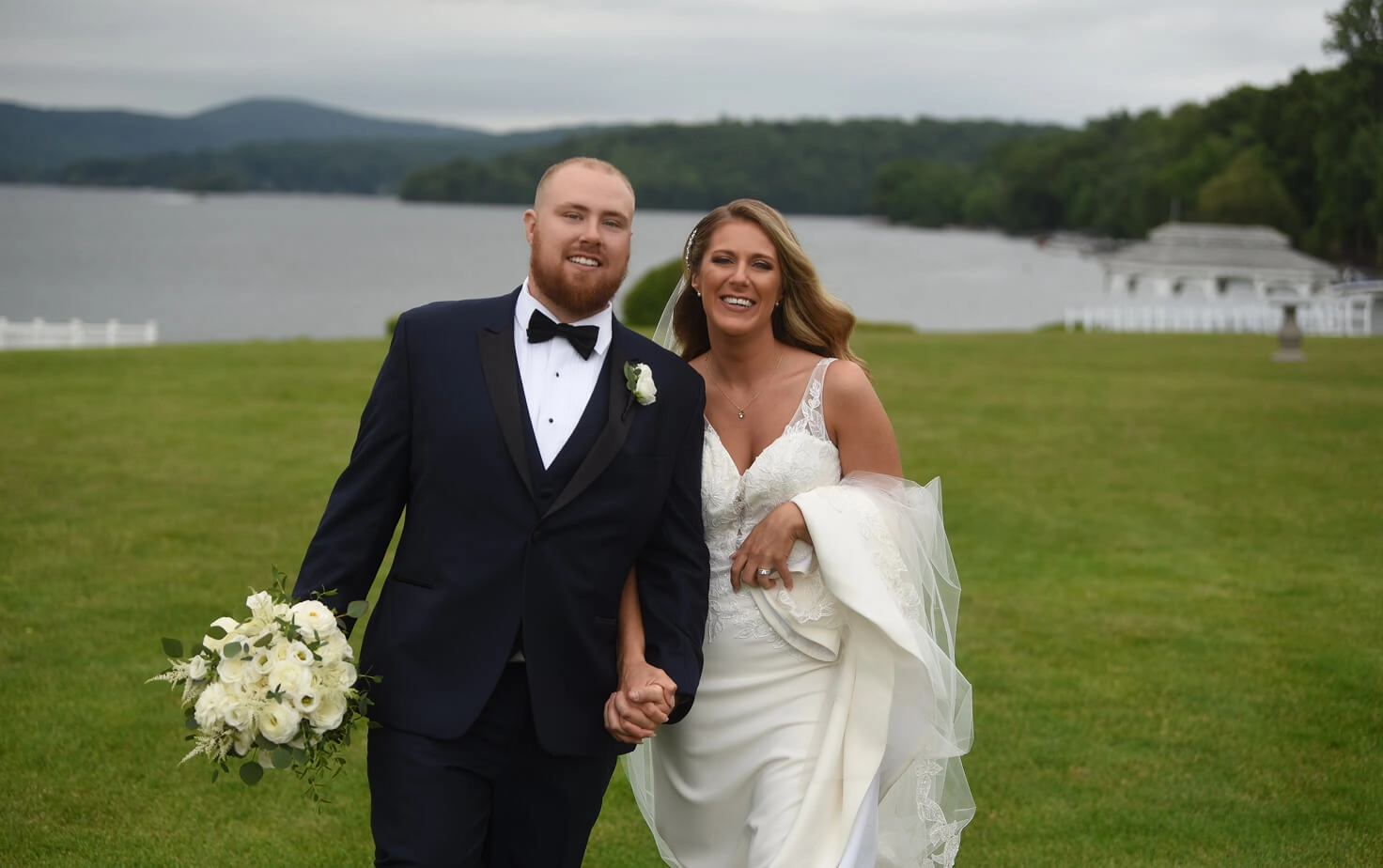
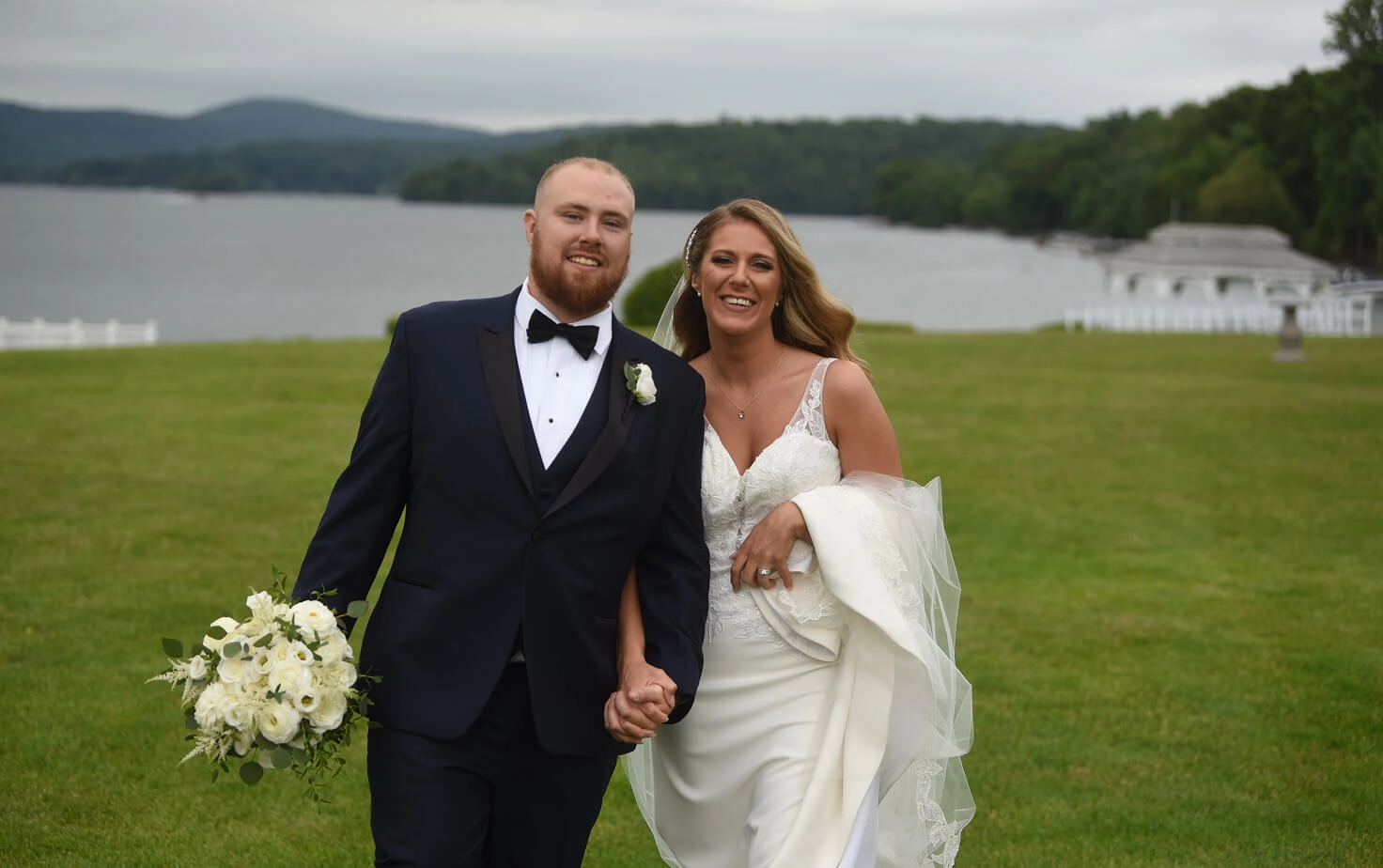
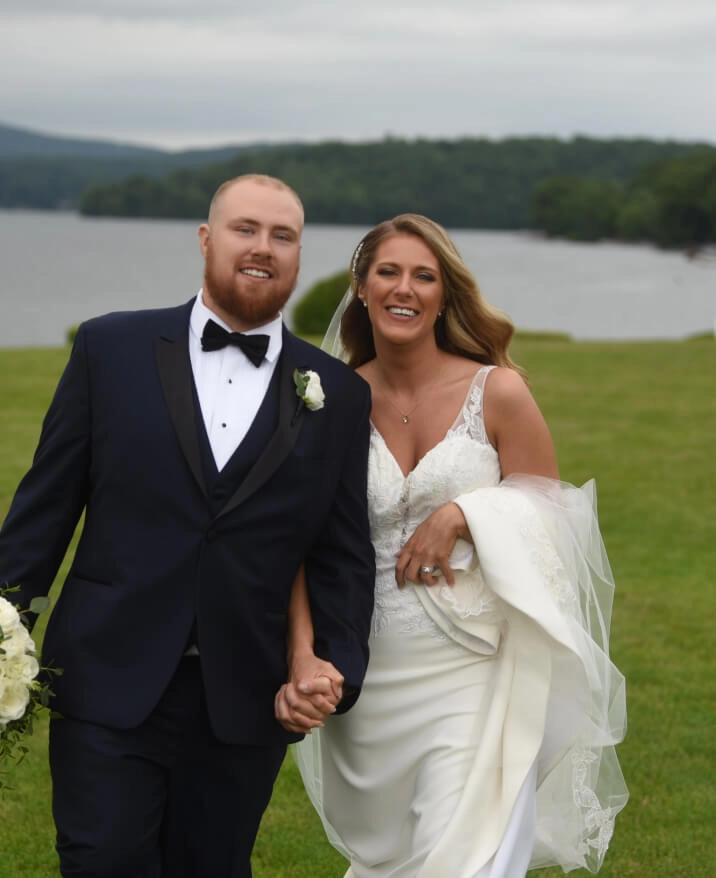
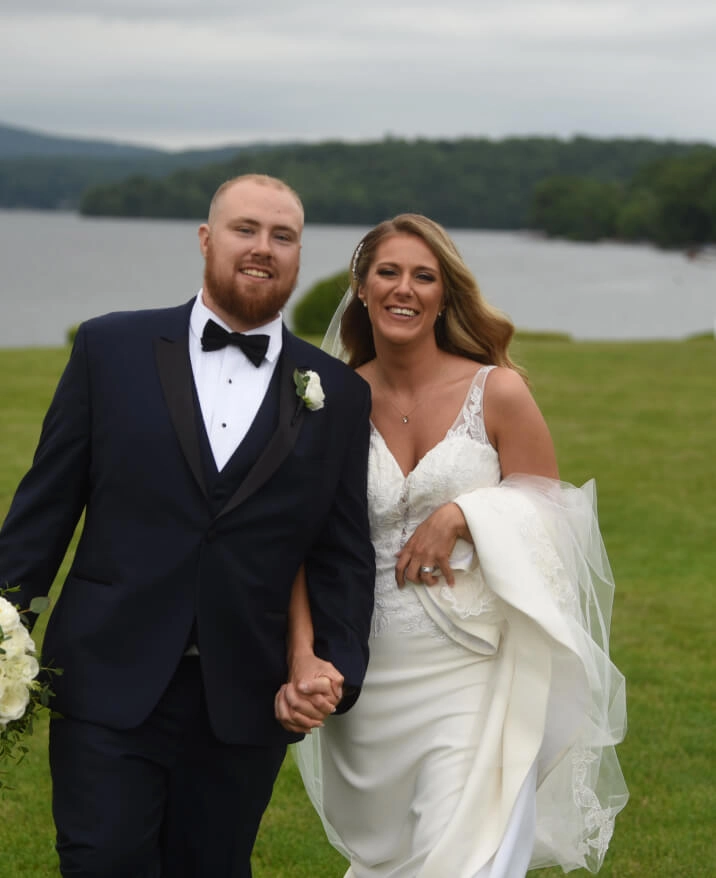 BEFOREAFTER
 BEFOREAFTER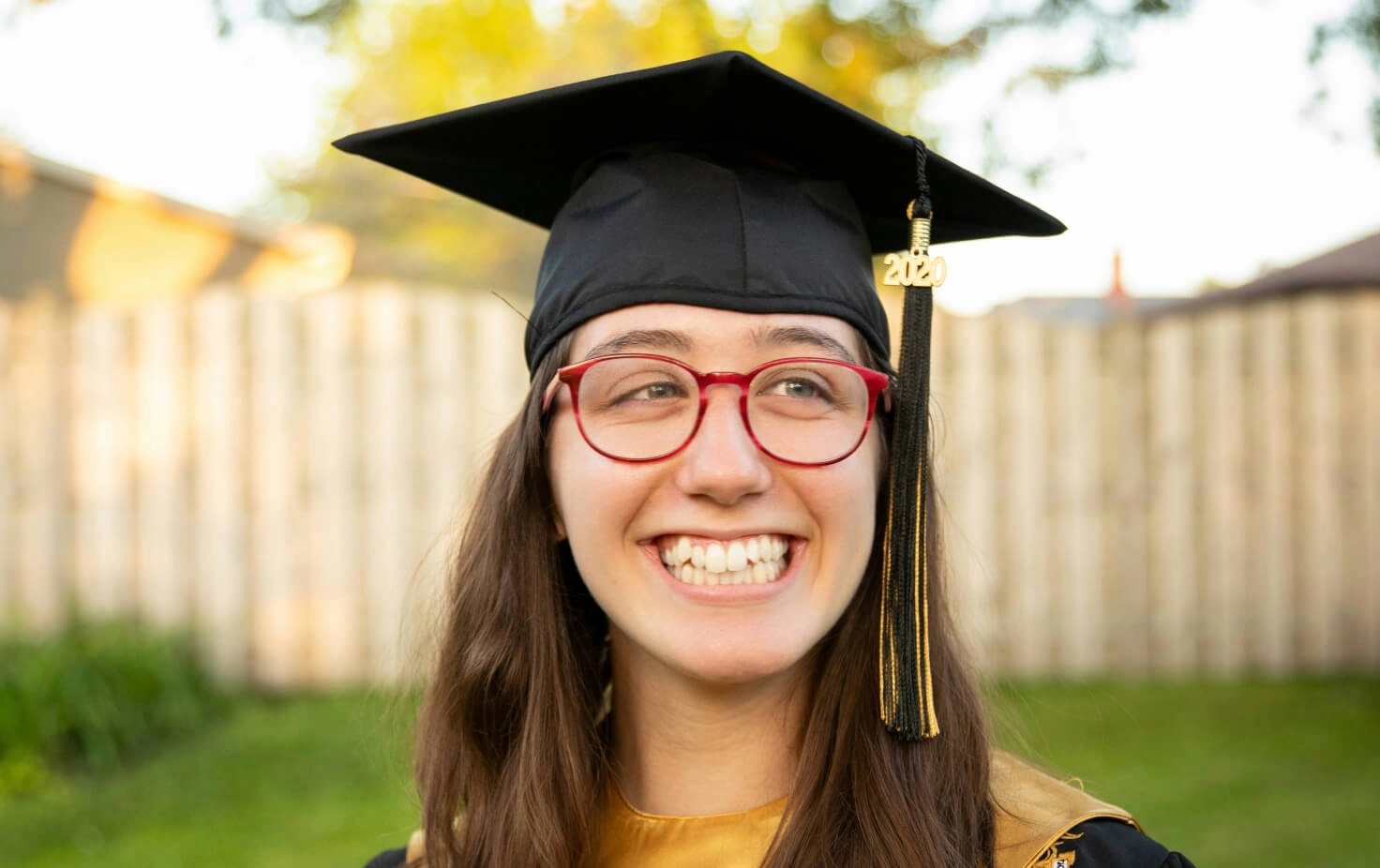
 BEFOREAFTER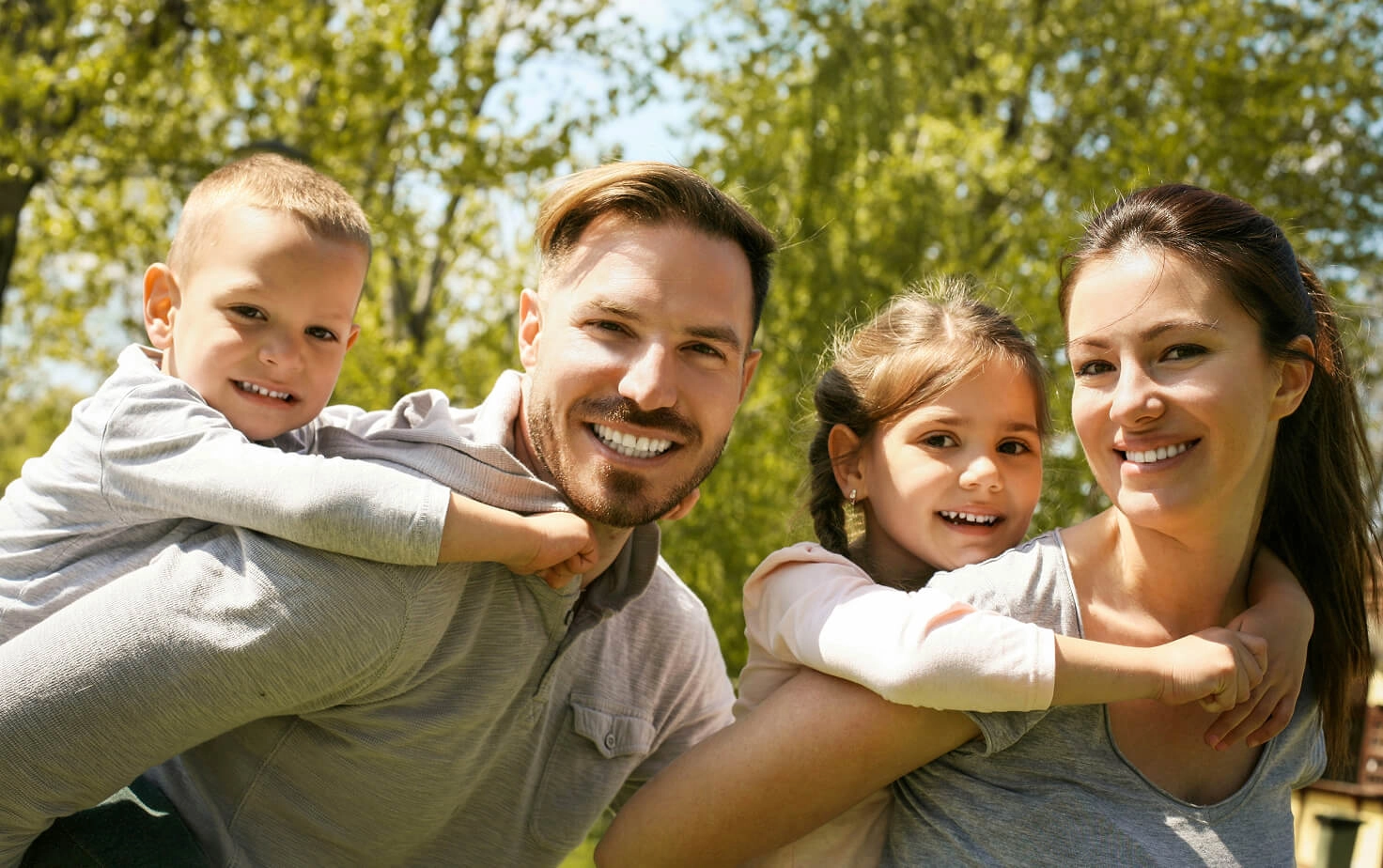
 BEFOREAFTER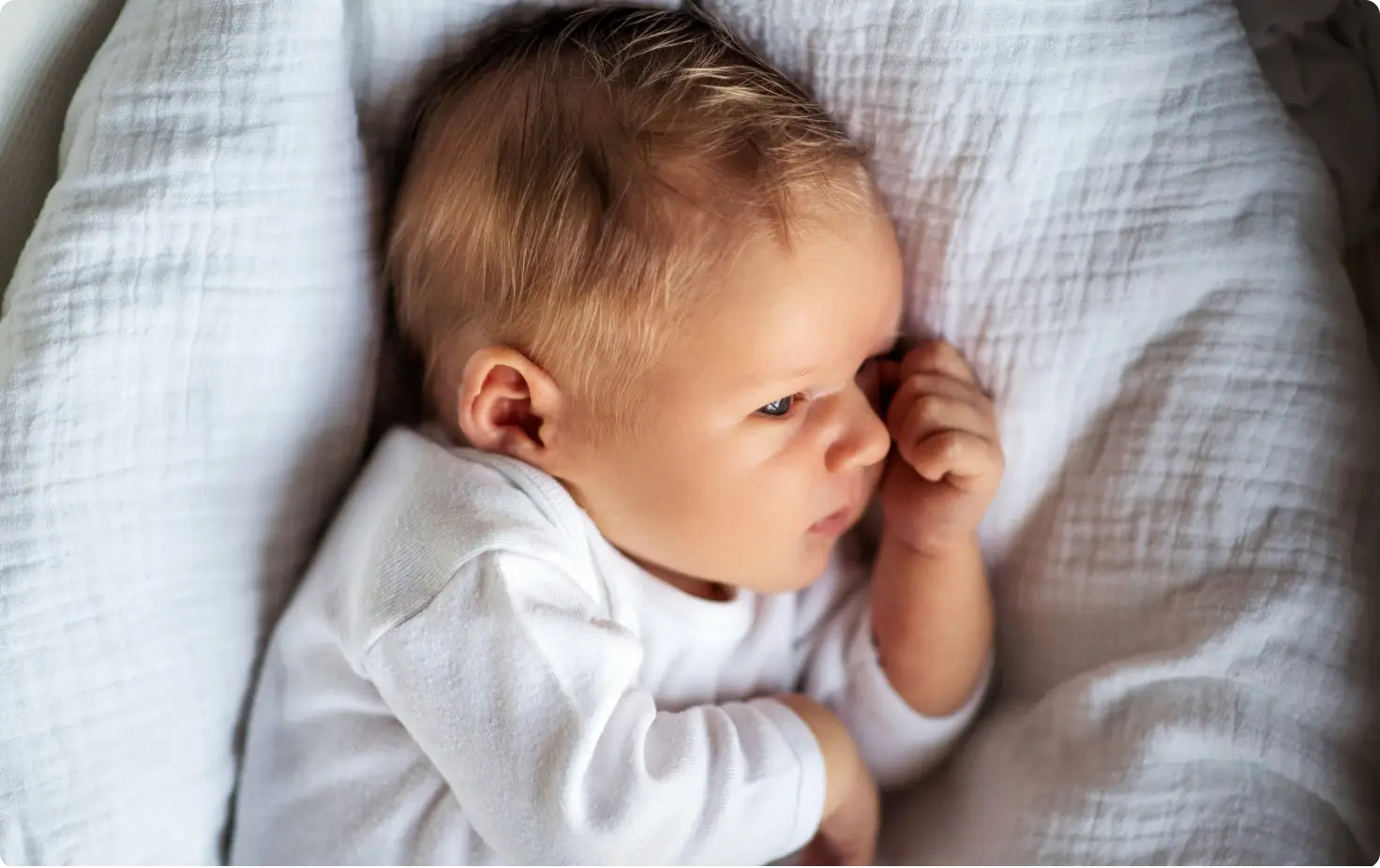
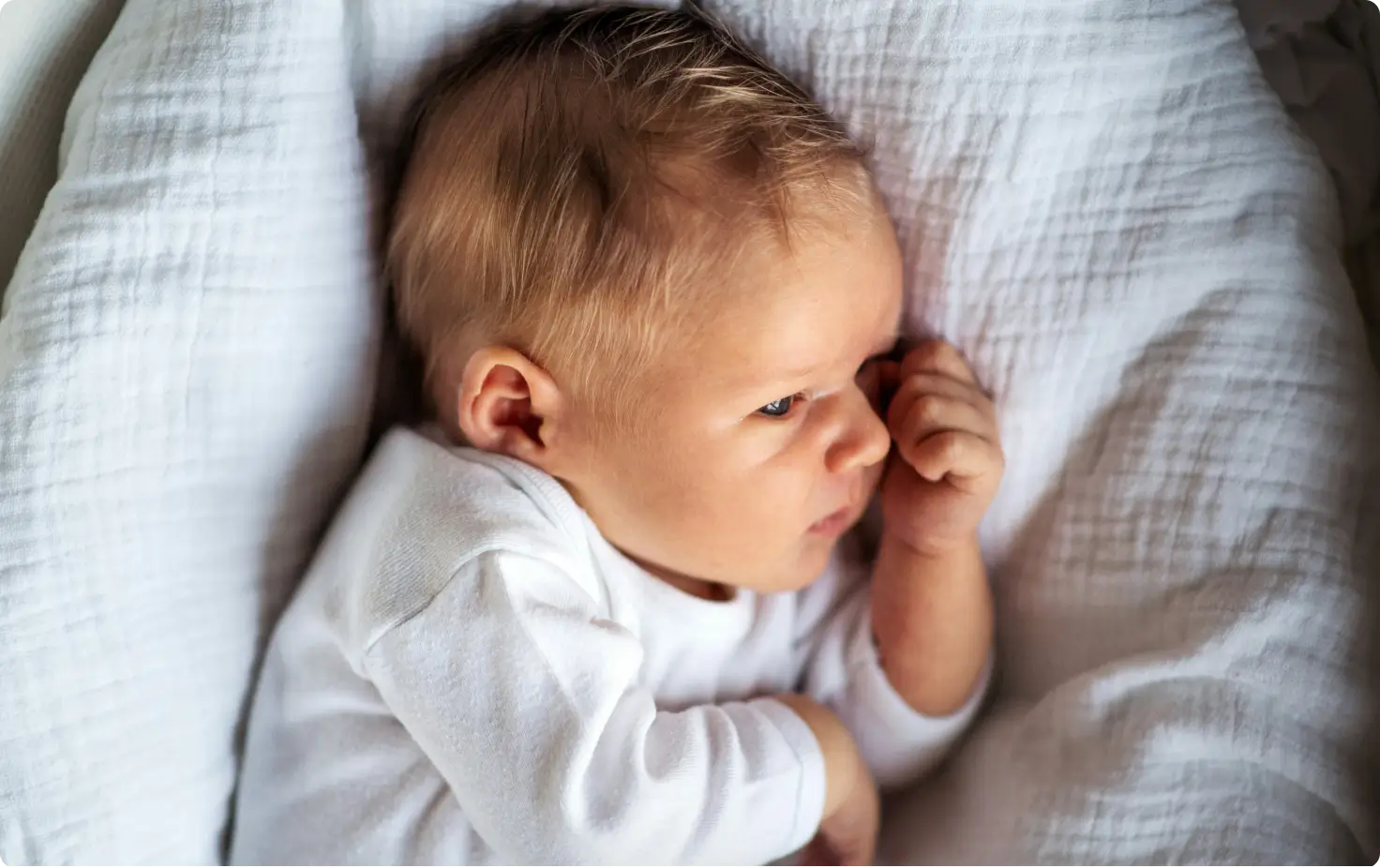
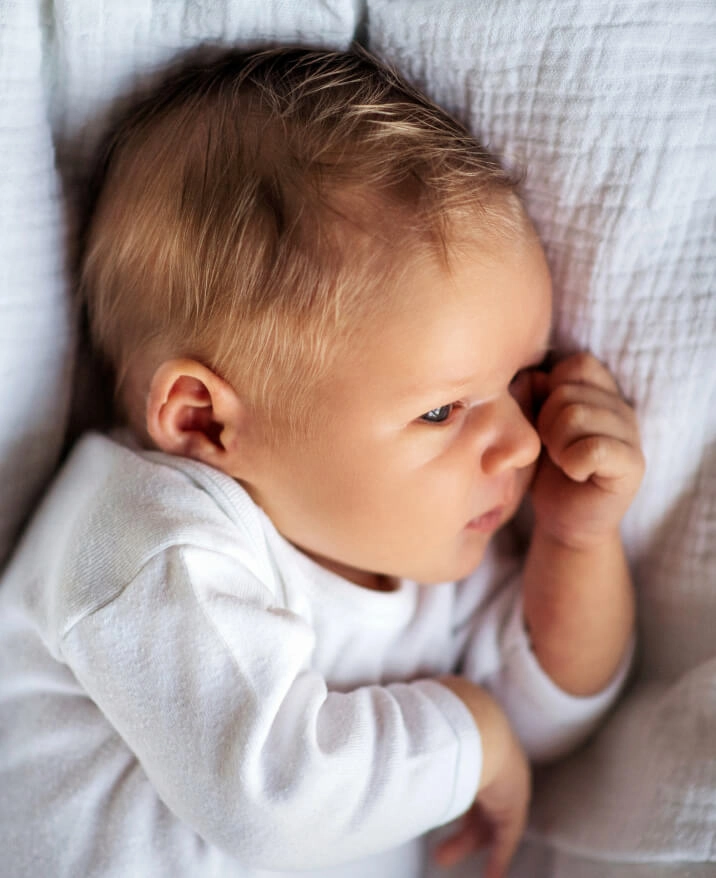
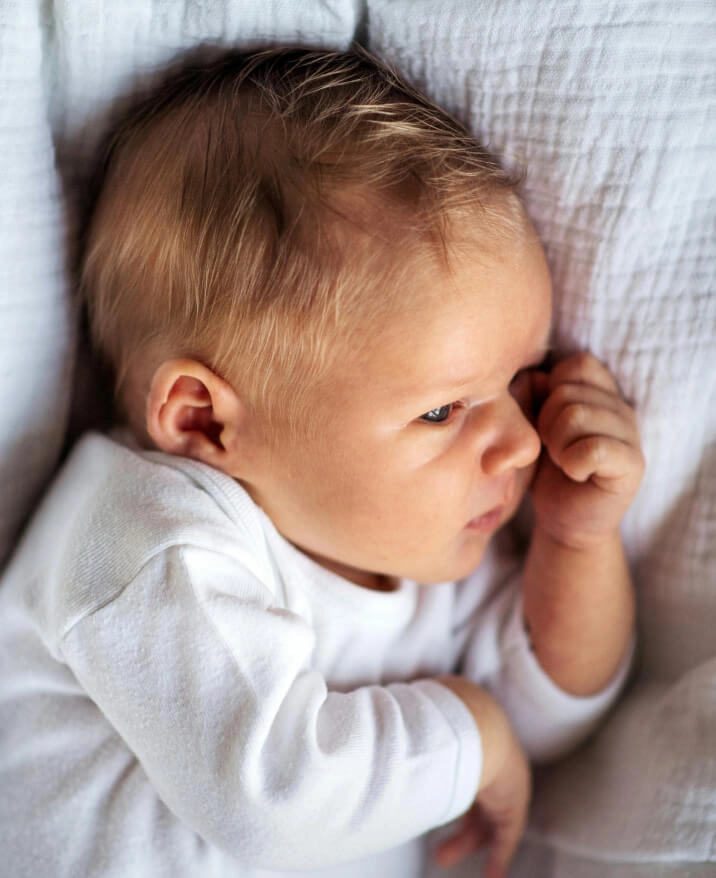 BEFOREAFTER

Turn those hours into more shoots, not more edits.
Need help with migrating from a different app? Contact Us


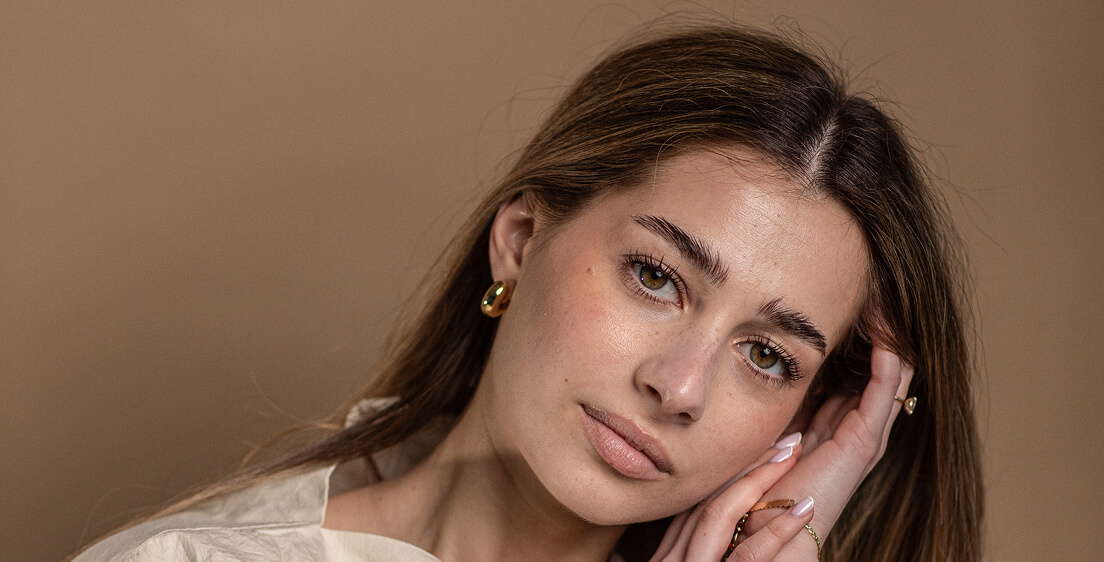
AI Retouching is a new mode in Aftershoot that uses advanced AI to apply natural, professional-looking portrait enhancements – like skin smoothing, blemish and wrinkle removal, and teeth whitening. It’s designed to mimic the subtlety of a human editor, saving you hours while keeping your images true to your style.
Aftershoot AI Retouching works seamlessly with our culling and editing workflows, giving you everything you need – from first selects to final touches – in one place. You can batch retouch entire albums with consistent, natural-looking results.
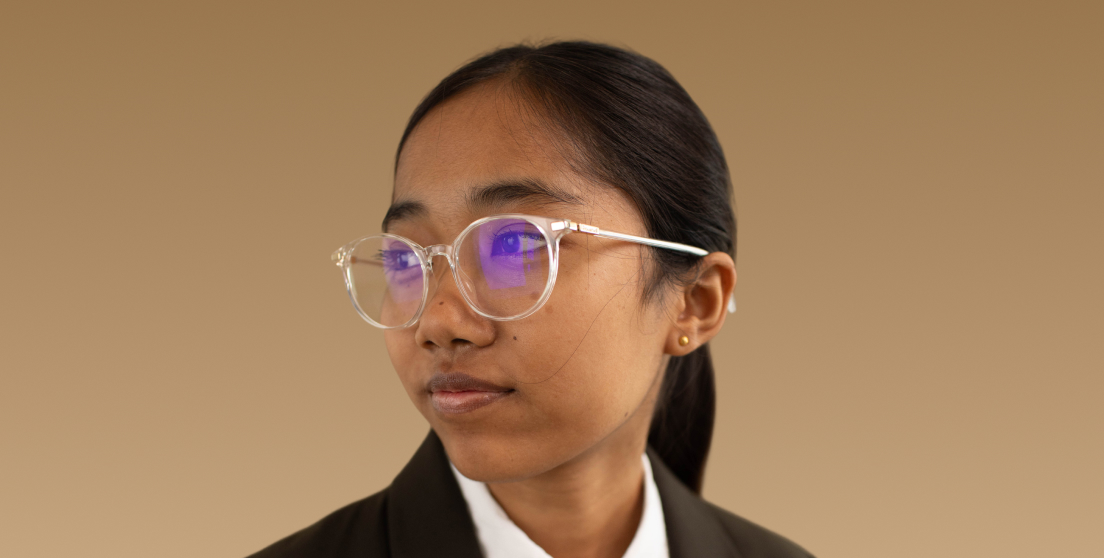
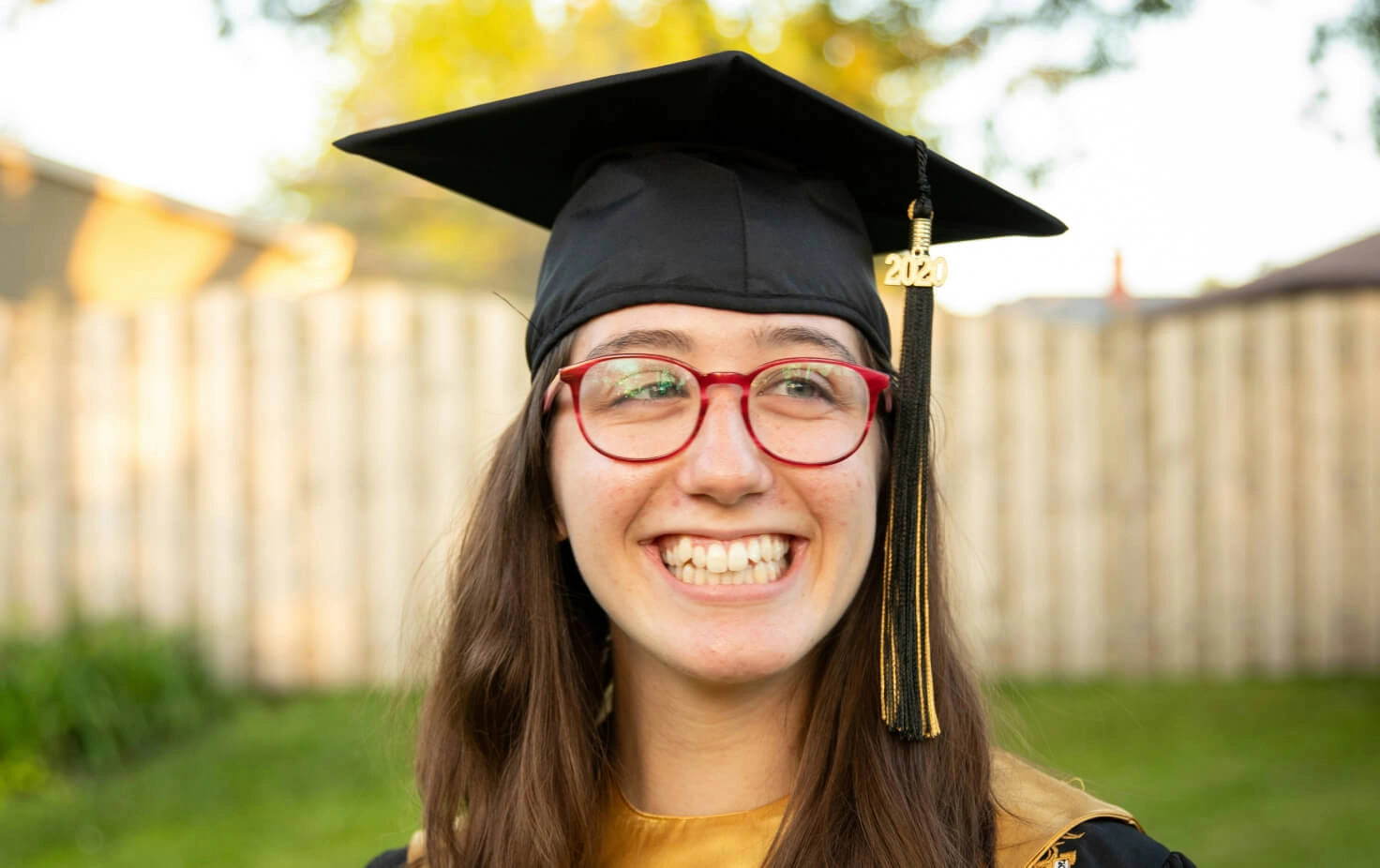
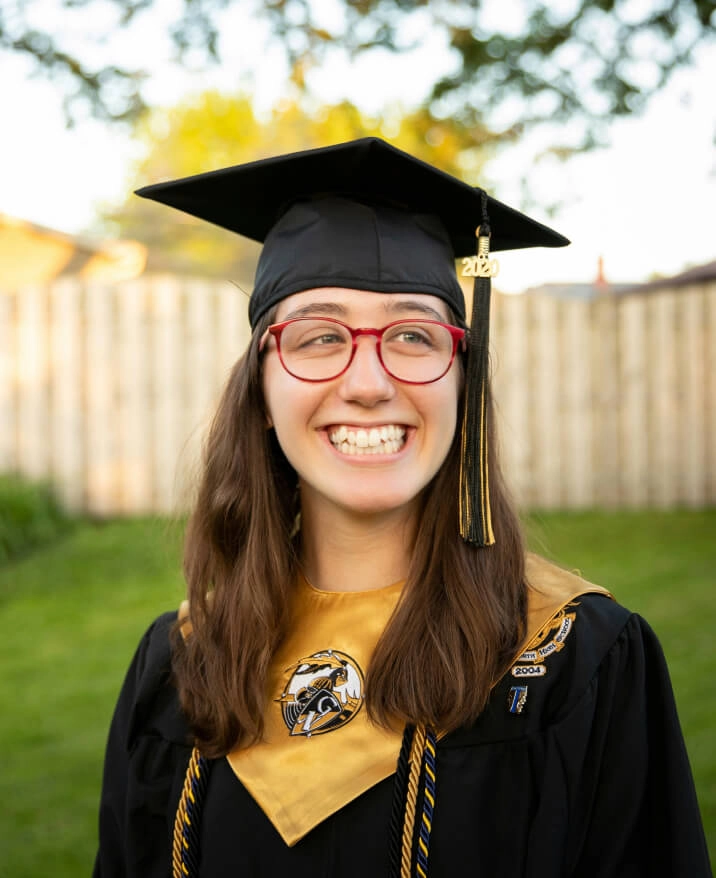
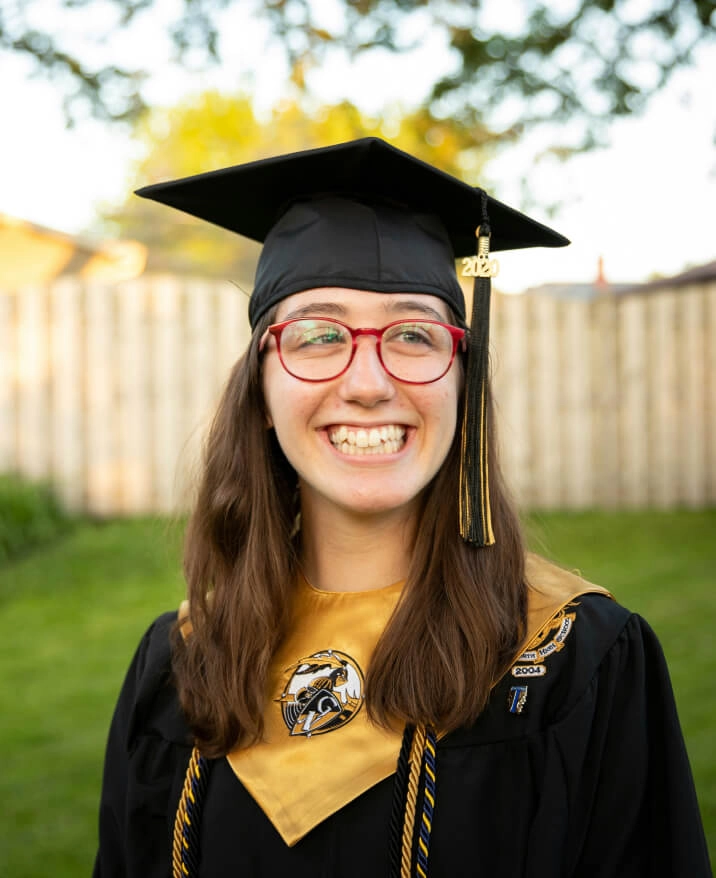
Aftershoot AI Retouching delivers natural, portrait-quality results across faces, bodies, and backgrounds. It removes acne and blemishes while keeping skin texture intact, softens freckles and pigmentation, and reduces forehead lines, under-eye shadows, and smile lines without losing authentic expressions. It gently brightens and whitens teeth, enhances eyes, balances facial lighting, and smooths skin – all while preserving natural detail. It also handles glare removal from glasses and cleans up stray hairs. AI Retouching includes object removal, making it easy to clean up small distractions in the background with just a click.
We’ll be announcing pricing closer to the public launch.
This is just the beginning. We’re actively building new tools to give you even more control – without the manual work. Coming soon: dodge and burn for face and body, double chin softening, dark circle correction, background replacement, and cloth de-wrinkling. As always, we’ll keep things fast, natural, and easy to use – right inside Aftershoot.
Check out this blog to learn more.
Yes, you can batch retouch easily in Aftershoot. Just open one image in Loupe View and adjust the AI Retouching sliders to your liking. Once you’re happy with the result, select the rest of the images you’d like to apply those edits to from the filmstrip below. Then hit Sync – and all your selected photos will be retouched with the same settings in seconds. It’s a quick way to get consistent results across a full shoot without editing each image one by one.
Yes! When you open the AI Retouching panel, you’ll see a preset dropdown at the top. Click it to browse and apply from a set of standard presets designed by the Aftershoot team – things like “Anti-aging,” “Face Pop,” or “Wedding Radiance.” They’re a great starting point if you want quick results or don’t want to tweak every slider manually
Yes – AI Retouching is free to use! When you update your app, you’ll also get a 30-day free trial of the full Aftershoot suite (Culling, Editing, and Retouching). After the trial ends, Retouching stays free, while Culling and Editing will require a subscription. We’ll be announcing Retouching pricing soon.
Yes! As a Founders member, AI Retouching is included in your plan – even after the early release period ends in September. You already have access, and there’s nothing extra you need to do. Enjoy unlimited retouching as part of your benefits.