AI Retouching is Almost Here! Join the waitlist now for early access.
AI Retouching is Coming

Get Your Signature Look, On Every Photo, Instantly.

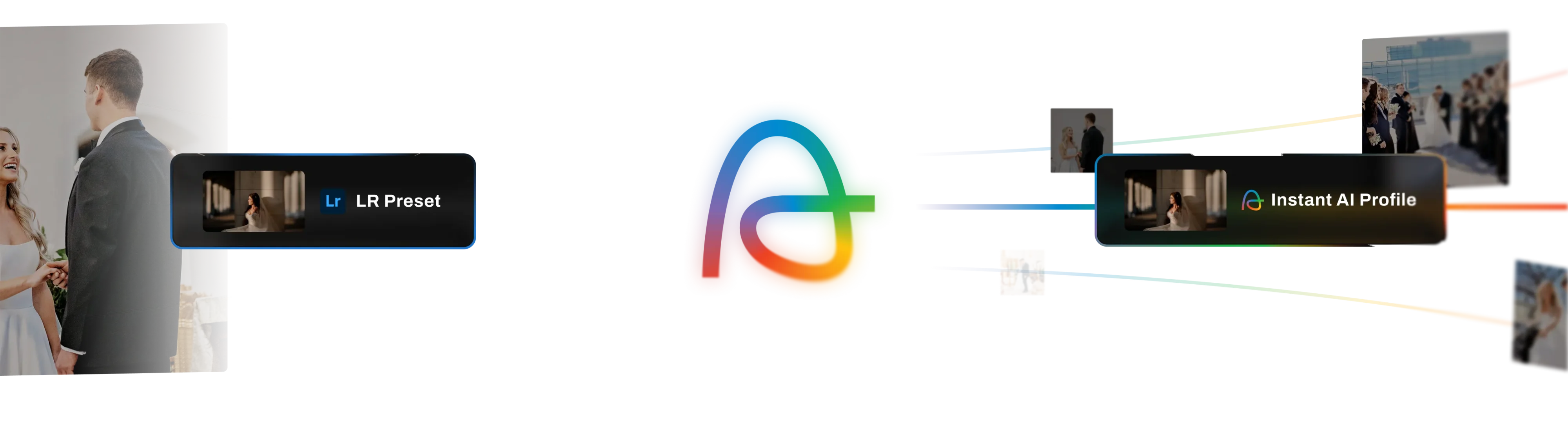
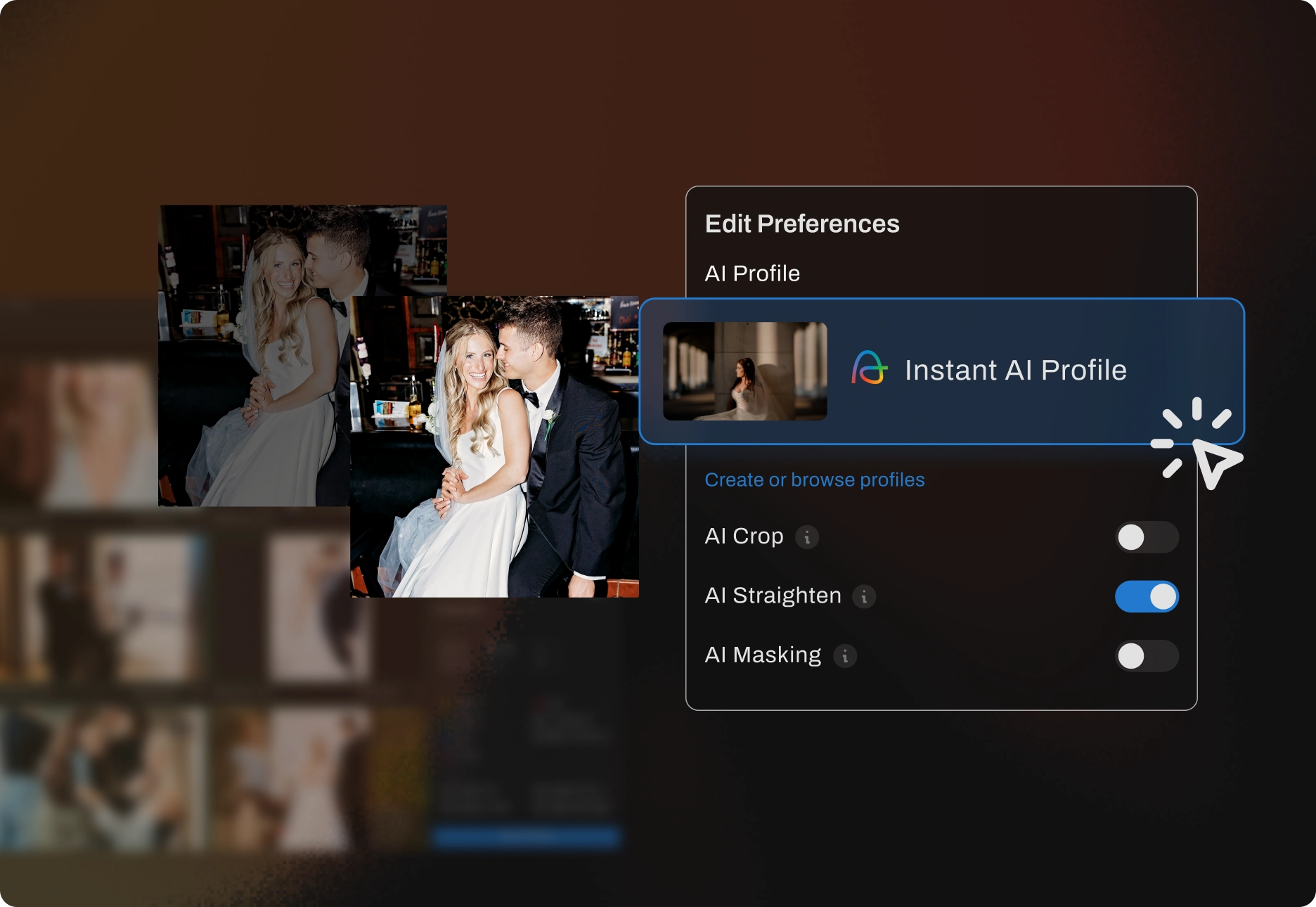
Now bring your Lightroom presets to Aftershoot in just a few clicks with Instant AI Profiles.

watch video
Instant AI profile visual

From Preset to AI Profile in 3 Steps

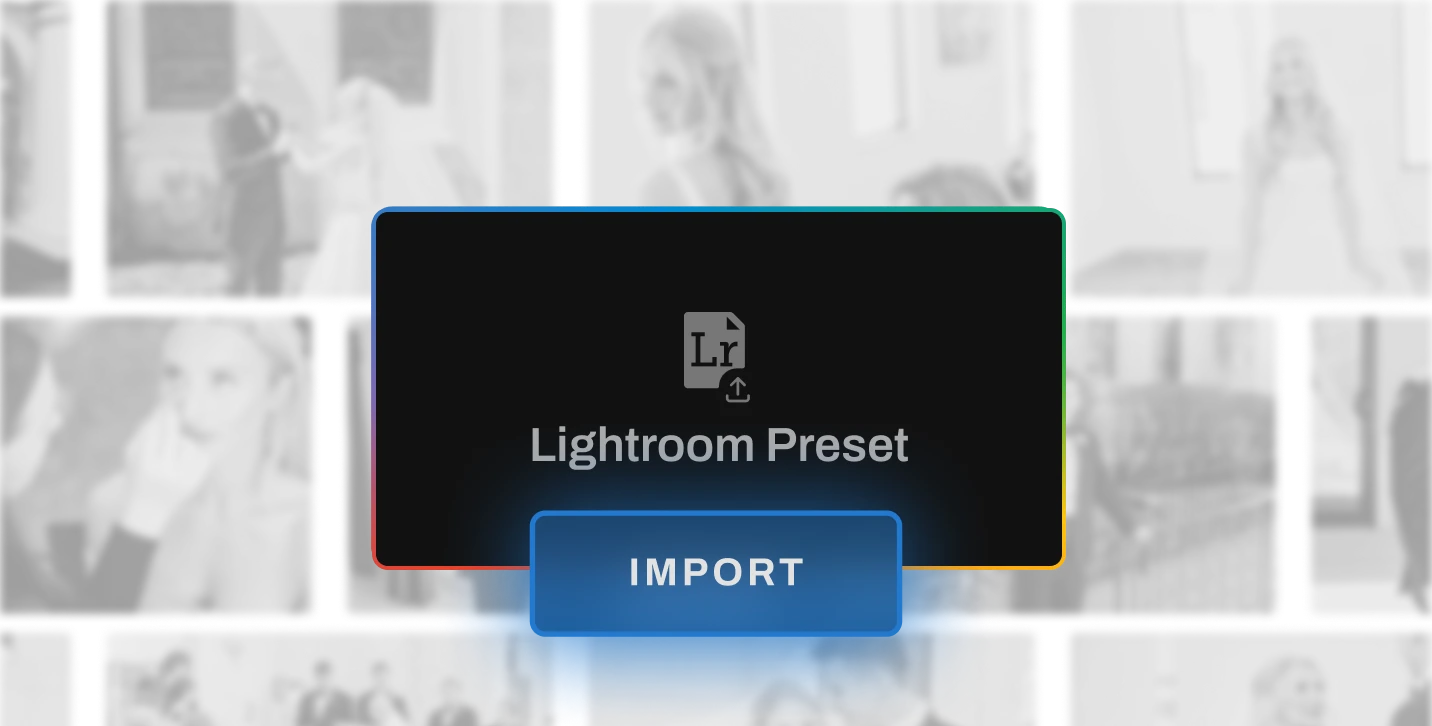
Drag and Drop visual
Step 1

Drag & Drop

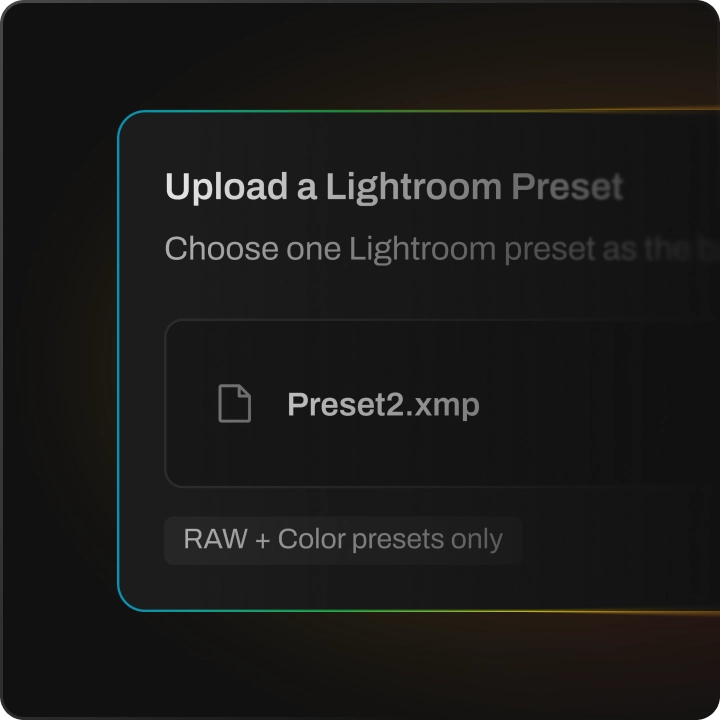
Drag and drop your LR preset file to Aftershoot.

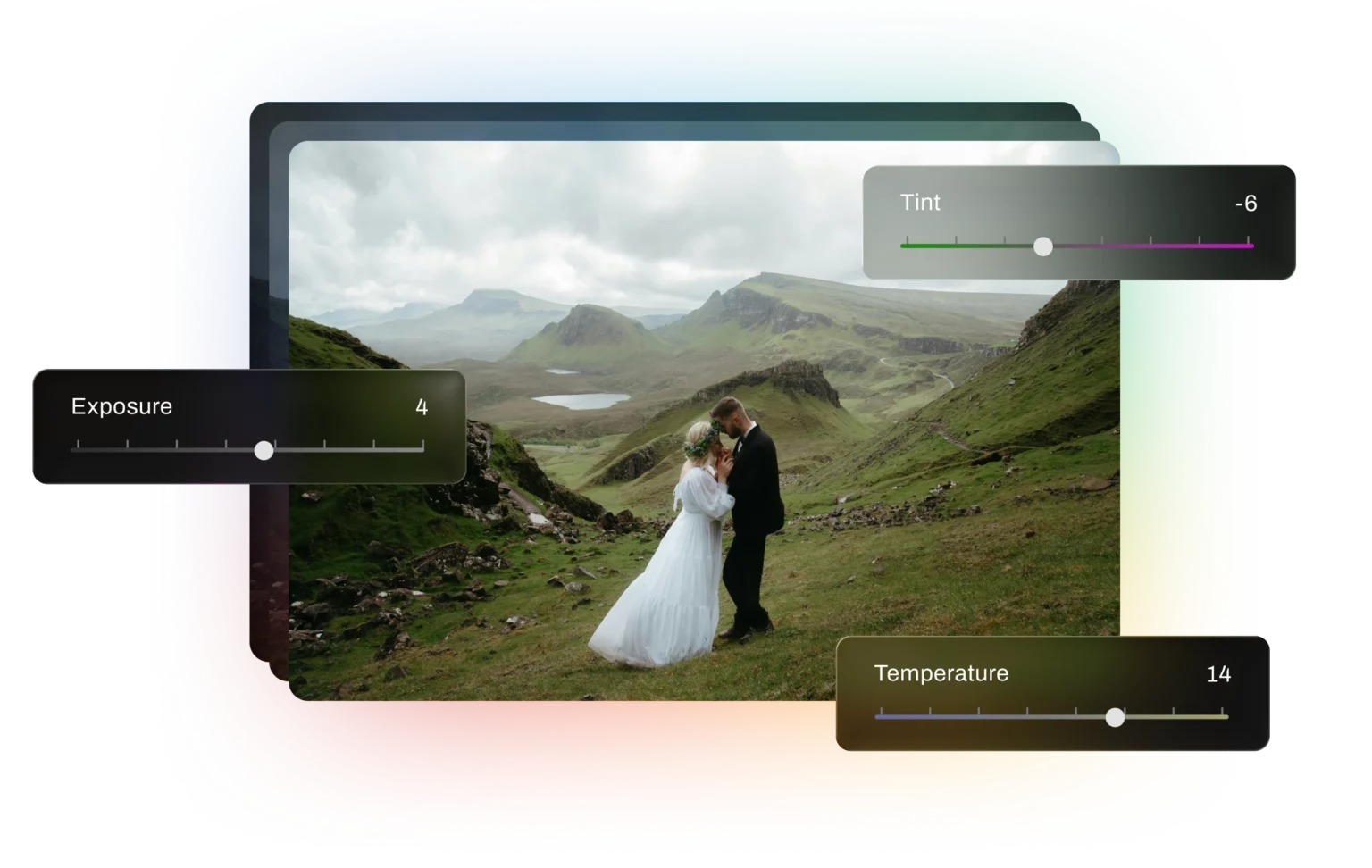
Adjust Visual
Step 3

Adjust Your Settings

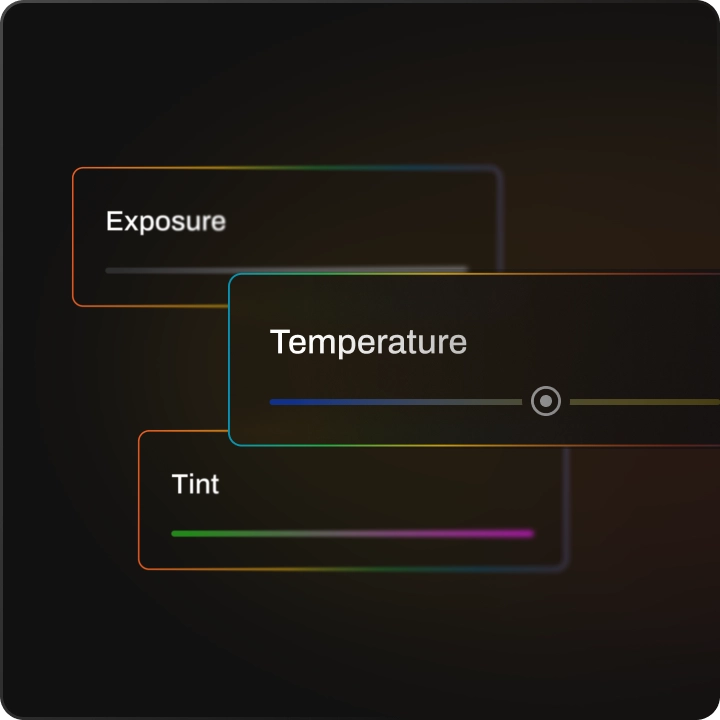
Adjust the exposure, temperature, and tint on three photographs

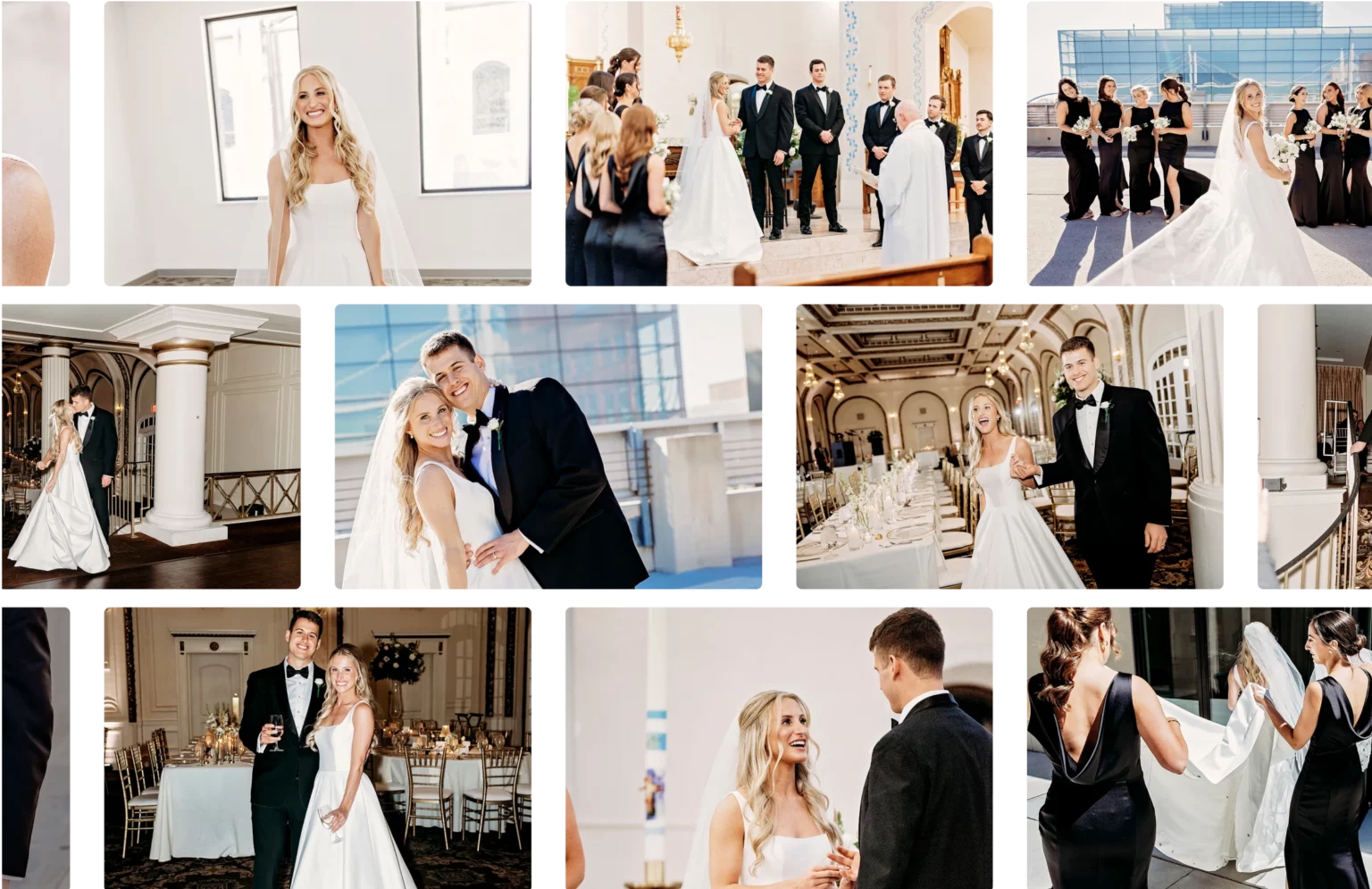
Ready To Go Visual
Step 3

Ready To Go

Your instant AI profile is ready for your gallery.

Create Instant AI Profile Now

Get Pro Results Every Time

Start with the preset you love

Turn your favorite presets into AI profiles in three clicks, then batch edit every shot, instantly.

Preset-You-Love

Consistent results across galleries

AI applies your style uniformly, gallery after gallery, in seconds.

Consistent-Results

Looks right in any light

Mixed, backlit, or blazing scenes can break presets. Aftershoot is scene-aware, tuning exposure, temp, and tint per image to preserve your style, unlike your Lightroom presets.

Looks-Right-in-Any-Light

Works where you work

Fits your workflow, not the other way around. Export to Lightroom, Capture One, and Photoshop instantly with dedicated integration support.

Works-where-you-work
Create Instant AI Profile Now

Consistent Style.
Any Camera.

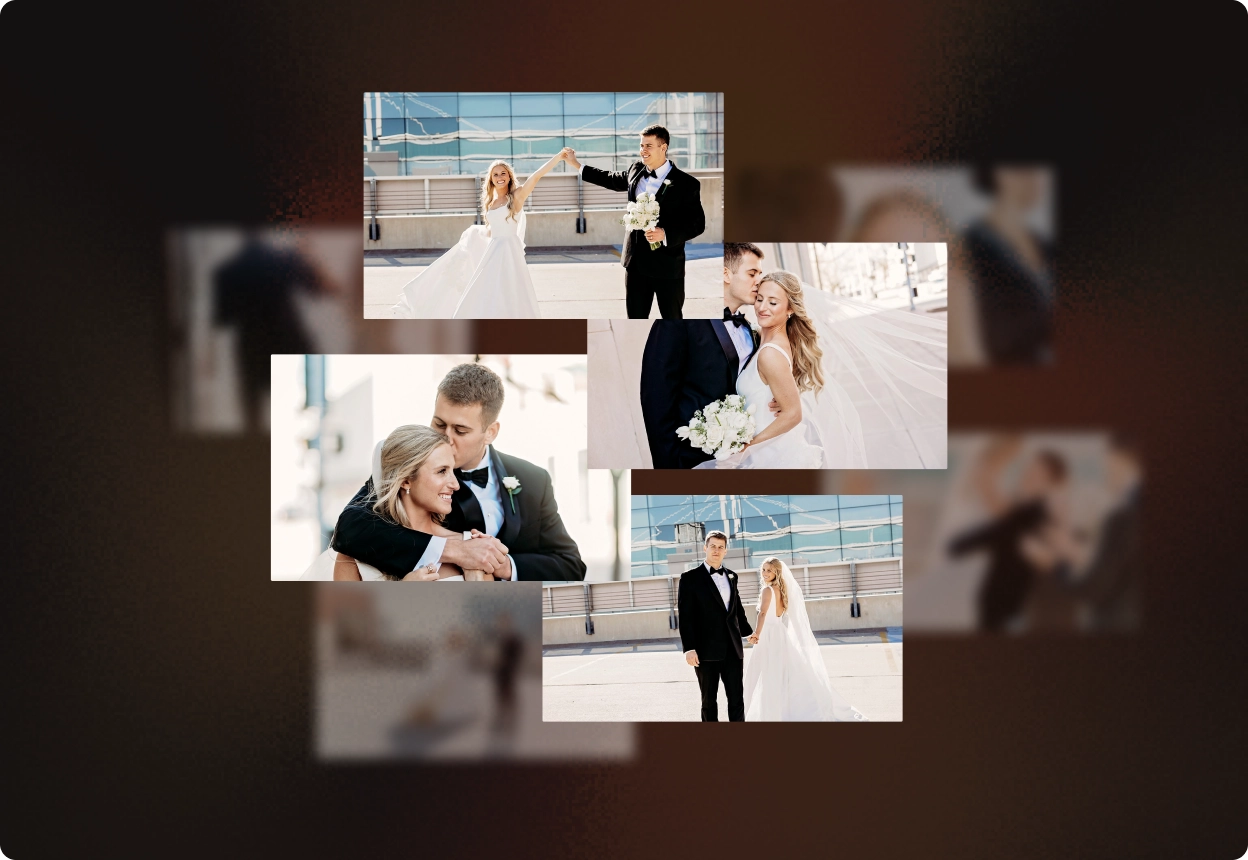
Aftershoot adapts to every camera, lens, and lighting setup, so your unique editing style stays intact across every shoot. Enjoy consistent results, no matter your gear.

Consistent-Style-Any-Camera
instant ai profile visual image

One Style,
Every Team Member

Aftershoot’s AI profile ensures every person on your team edits with a consistent look., so every export reflects your signature style.

What The Pros Are Saying

Mateusz-Maslowski

Photographer

Instant AI Profile is amazing! Delivering photos to my wedding clients became several times faster. At last, I can spend more time with my family. On behalf of many photographers, thank you so much for adding this option — I truly hope it will stay forever!
Ashlee Weaver

Ashlee Weaver

Content Creator

Aftershoot has been a game-changer for me. With 20 weddings and 100’s of sessions this year, it’s given me my work/life balance back. It’s given me extra time for my family, and I’m so thankful. I love going through and making sure each photo is the way I’d like it, but Aftershoot is like my very reliable assistant that takes care of 70% of my workload.
Ashlee Weaver

Denise Rosa

Photographer & Parent

I tested editing with Instant Profiles and thought it was amazing. But when I tested my personal profile with AI, it got even better — it helped me save days of work in front of the computer. I was on the verge of giving up photography, but Aftershoot made it possible to balance my 5-year-old son’s needs with my editing workflow. It’s had an extremely positive impact on my life.

AI That Works For Your Workflow

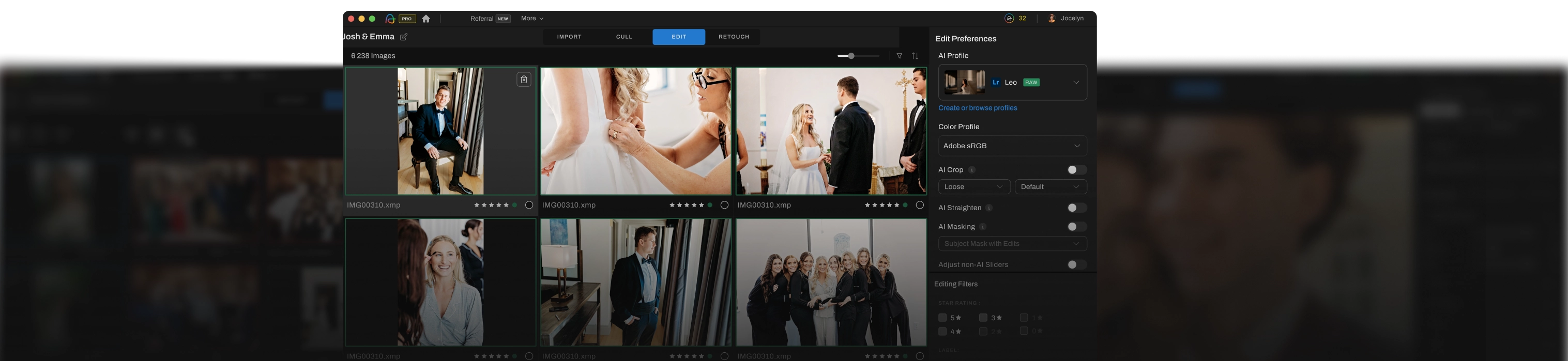
Cull – Edit – Retouch in one place with Aftershoot.
Export to Lightroom, Capture One, and Photoshop seamlessly.

Bring in your RAWs, JPEGs, or Lr catalogs with ease.

Frequently Asked Questions

AI That Works For Your Workflow

Get Started Todayaftershoot editing preferences visual
Log InGET STARTED