Aftershoot Vs Photoshop
Built for Photographers, Not Designers
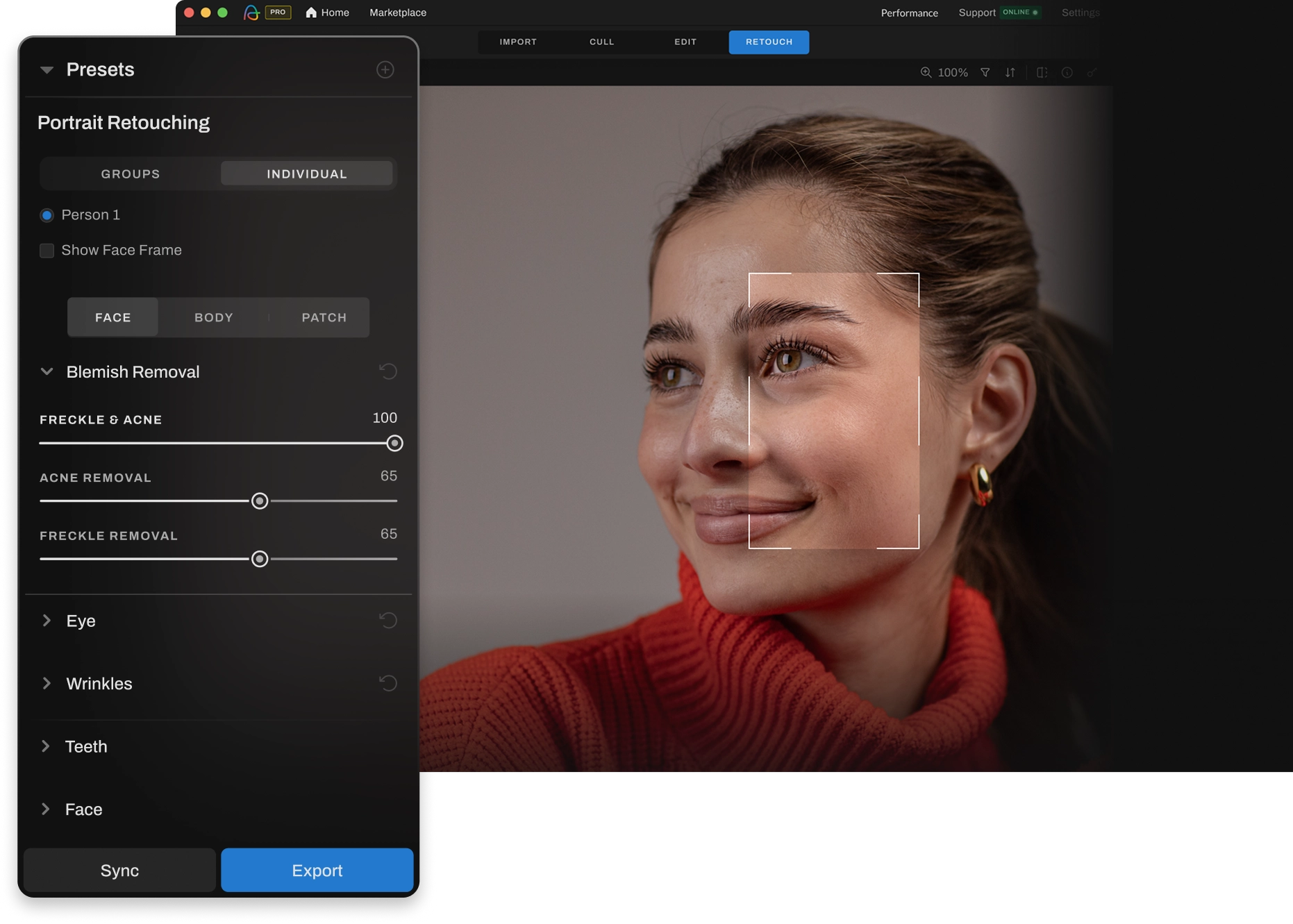
Traditional editing tools are slow, manual, and built for designers, not photographers. Aftershoot changes the game with AI-powered retouching that's intuitive from the first use, without layers, plugins, or hours wasted watching tutorials.

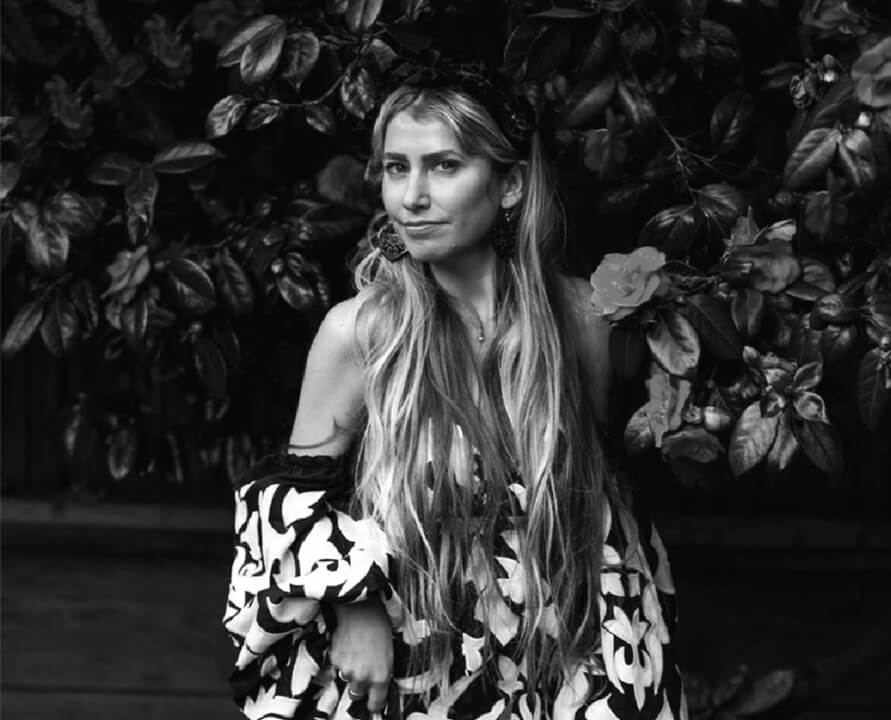
Lilly Red
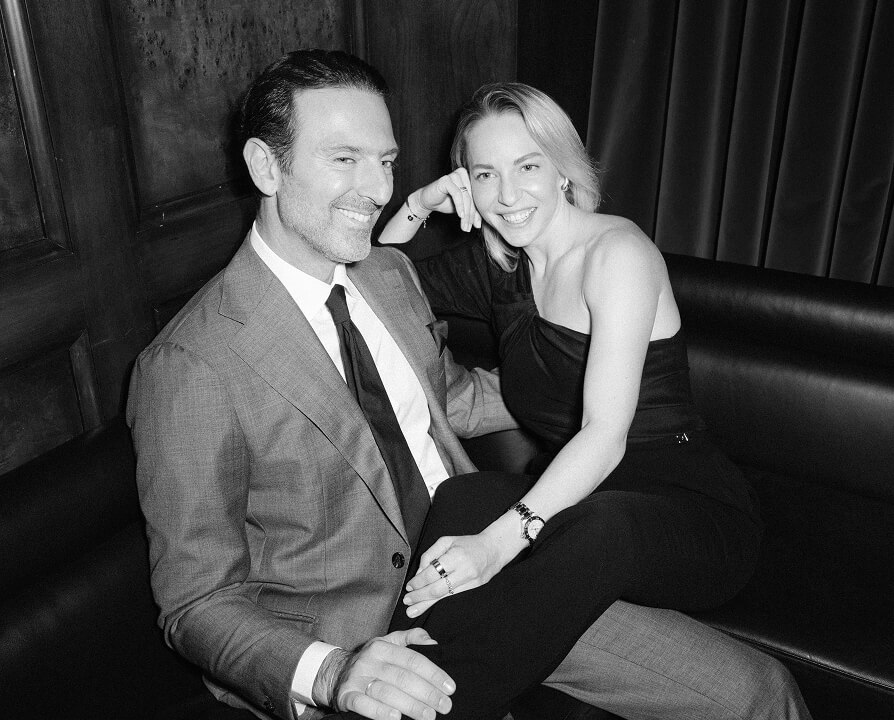
Anna & Thanos
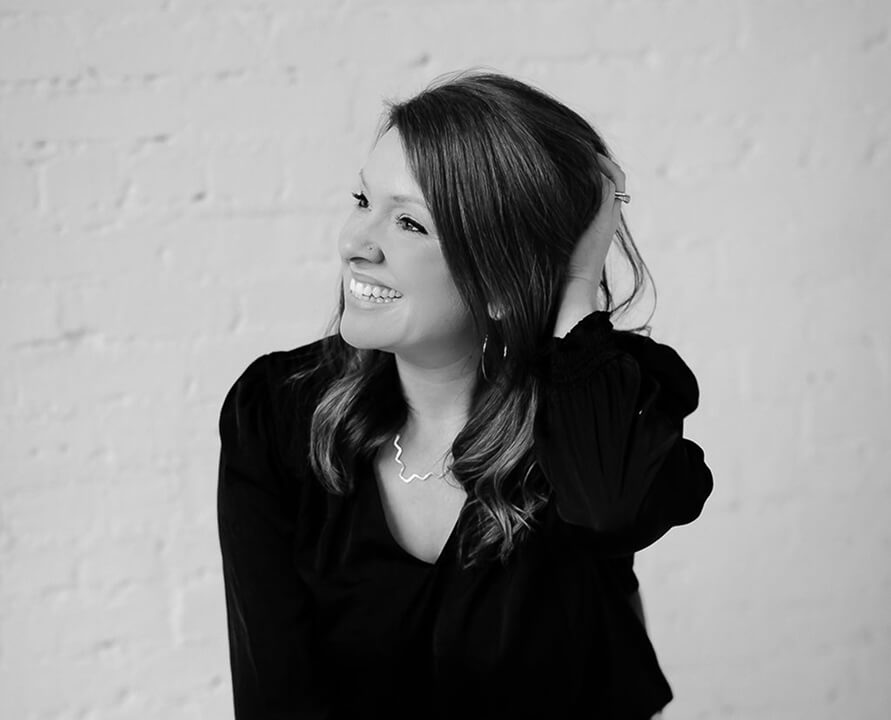
Katie Monroe
Joy Zamora
Esteban Gil
Cassidy Lynne
Why Settle For A Tool That Slows You Down?
Here’s Why Pros Choose Aftershoot To Move Faster
Everything You Need In One Workflow
Aftershoot gives photographers everything they need - AI-powered culling, editing, and retouching - in one intuitive workflow. No steep learning curve, no manual masking, no hidden costs. Just fast, natural results, right out of the box.
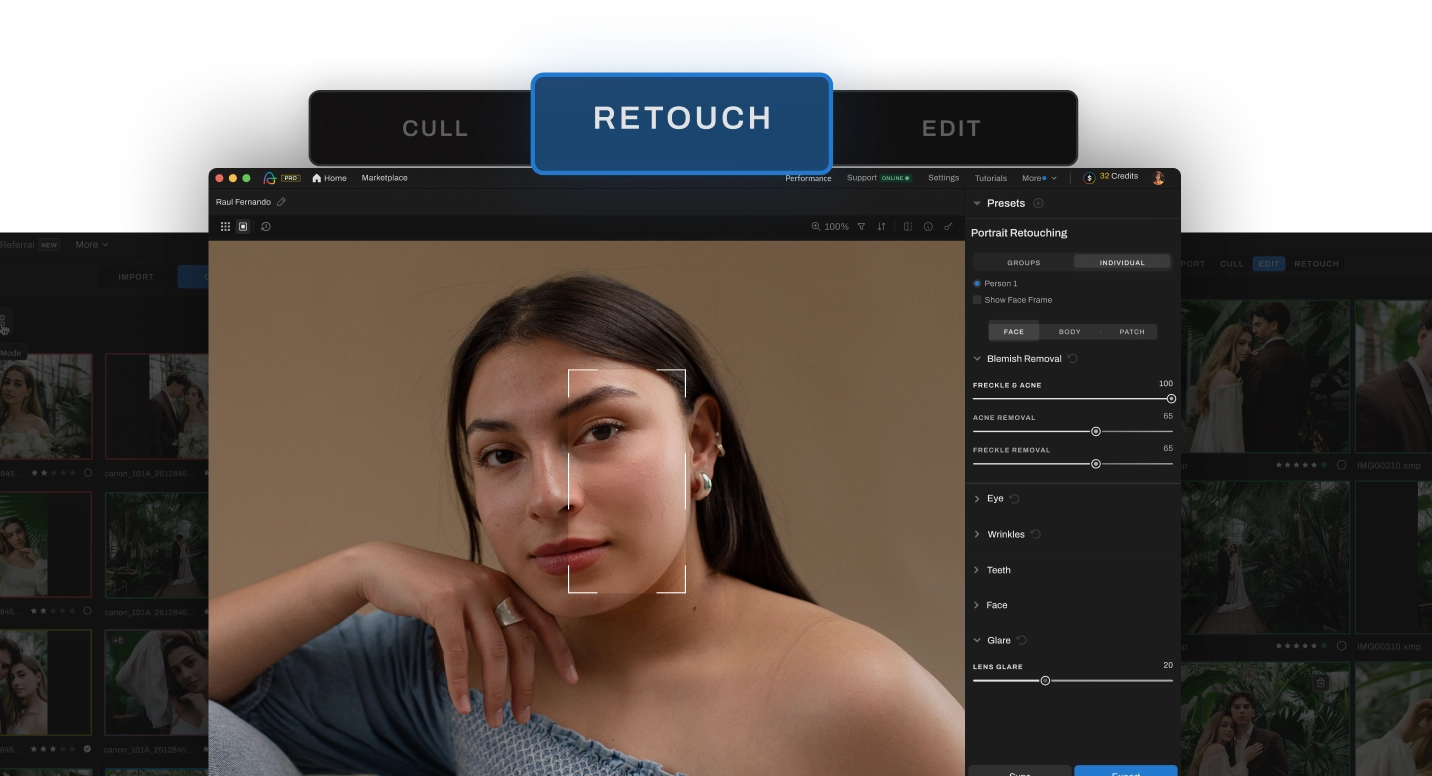
Retouch one photo and let AI edit the rest
Aftershoot’s AI Retouching is built for high-volume photographers, letting you effortlessly retouch entire galleries in record time, with no masking or layering required.
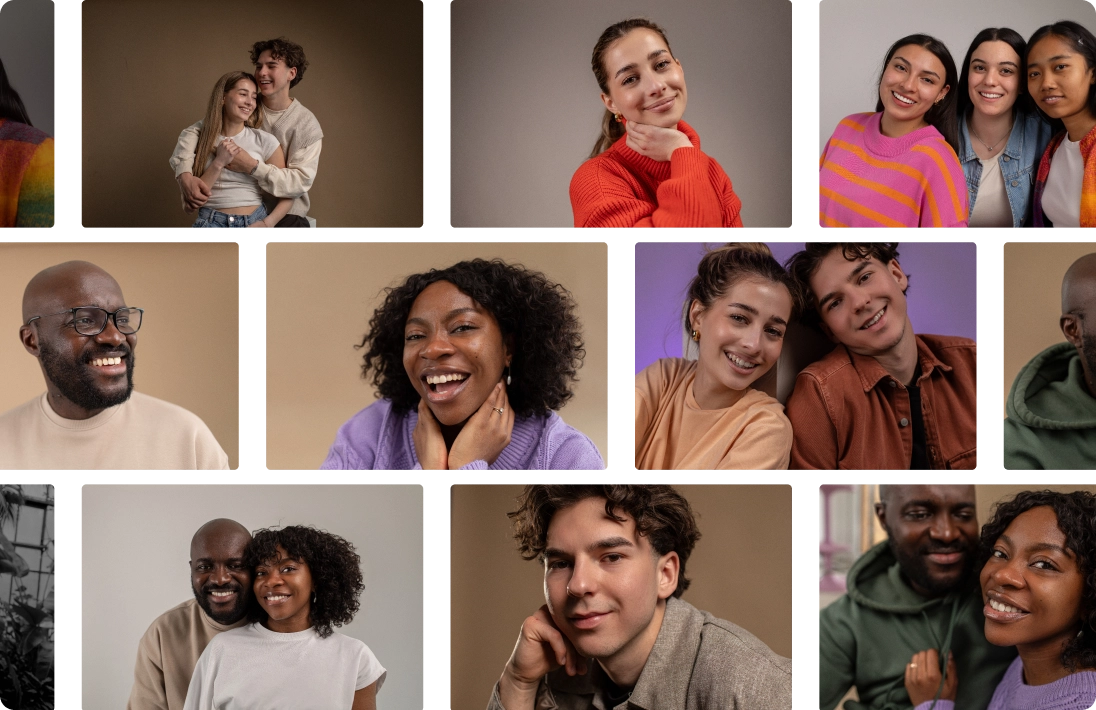
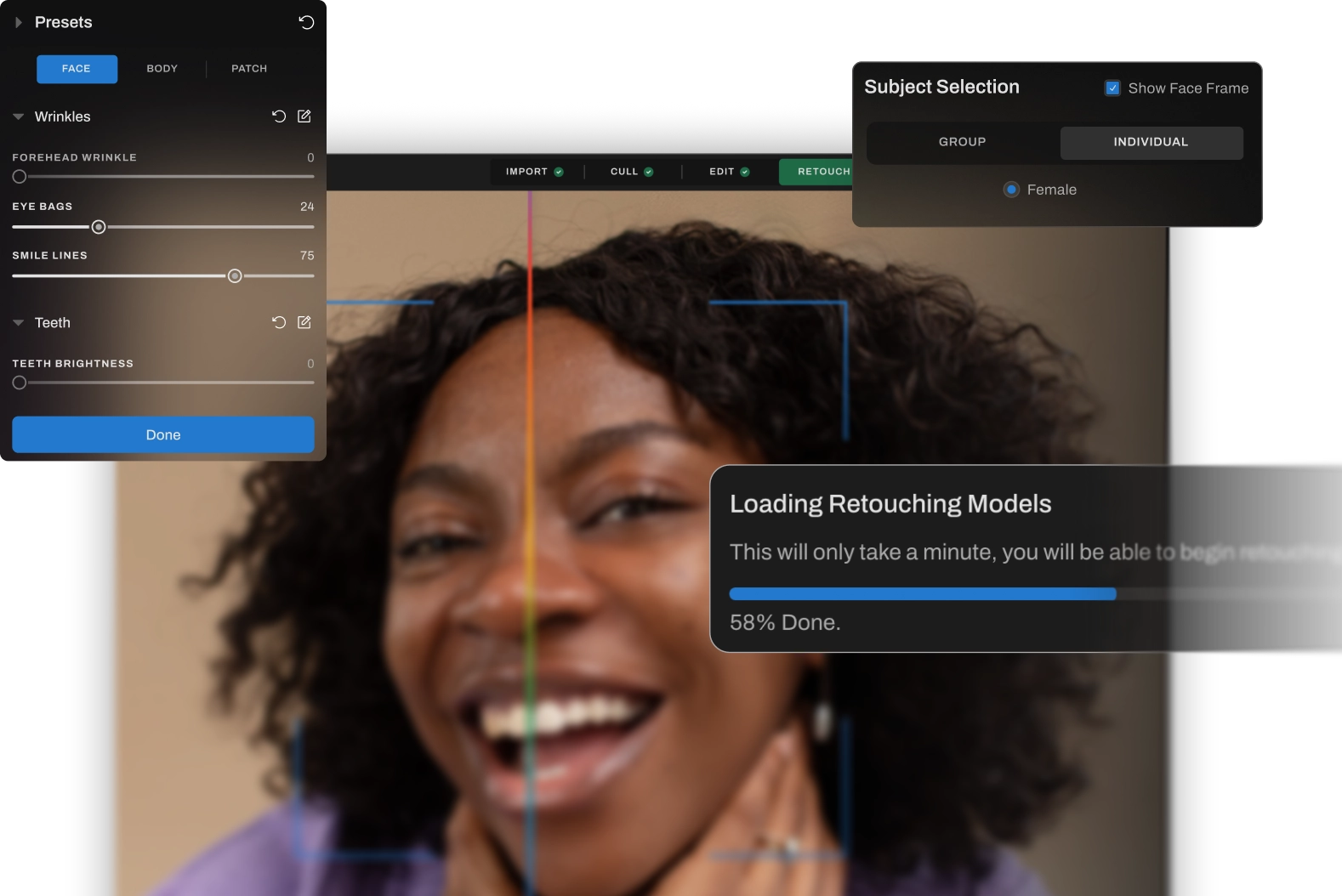
Master Retouching Without The Endless Tutorials
Forget complicated layers, masks, and plugins. Aftershoot lets you open, adjust, and export fast, delivering pro-level results without the hassle or steep learning curve.
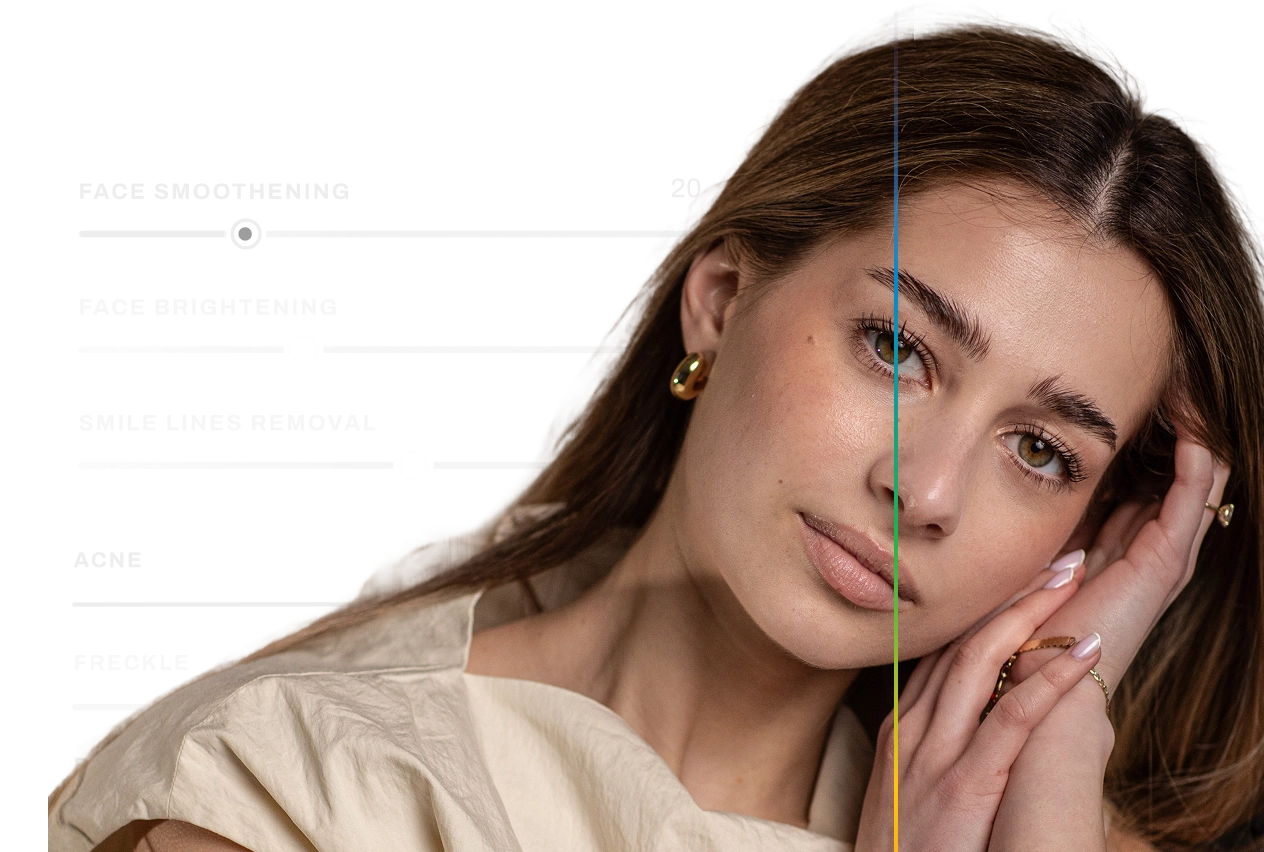
Built for Natural-Looking Results
Get clean, professional results that preserve true skin texture and tone without looking fake.
Wondering how we stack up?
Let’s break it down!
Benefit
All-in-One Workflow
Easy To Learn
Batch Retouching
AI-Powered Skin Retouching
Smart Subject Selection (Group / Age / Gender)
Retouching Presets
Simple, Flat Pricing
Automatic Real-World Fixes




Steep learning curve
Manual effort
Manual masking is necessary
No built-in presets
Manual fixes
What this means for
your workflow
Save time with a streamlined workflow to cull, edit, and retouch, all in one place.
With Aftershoot, you can start editing right away without spending hours on tutorials or courses.
Edit entire shoots fast - ideal for high volume photographers.
Aftershoot automates what Photoshop makes you do step by step.
Target exactly who to retouch in group photos with a click (without masking).
Edit faster with presets made for your photography style.
No surprise fees, no credit limits, just full access to powerful retouching, anytime you need it.
Spend less time fixing tricky details and deliver flawless photos faster.
Why Pros Love Using Aftershoot to Retouch Their Galleries

Ricardo Tavares

AI Retouching has been a game-changer! It cut my retouching time in half, making wedding photo editing faster and more efficient.

Silas Hofer
I was hesitant about AI retouching, but Aftershoot gives me full control. It removes flyaways and blemishes without making skin look fake - saving me time while keeping my photos natural.

Sokratis Katsanos
With AI Retouching, I can edit multiple people at once
perfect for high-volume wedding photography!

Christopher Stiles
Finally had a chance to try out the Beta retouching in Aftershoot. So much potential, so much time saving, so much winning!
Ditch the Manual Work. Retouch Like a Pro in Minutes.
Aftershoot removes the complexity from culling, editing, and retouching, with no steep learning curve, no endless sliders. Just fast, natural results without the extra effort. Try it and see why pros are leaving the old, manual way of editing behind.